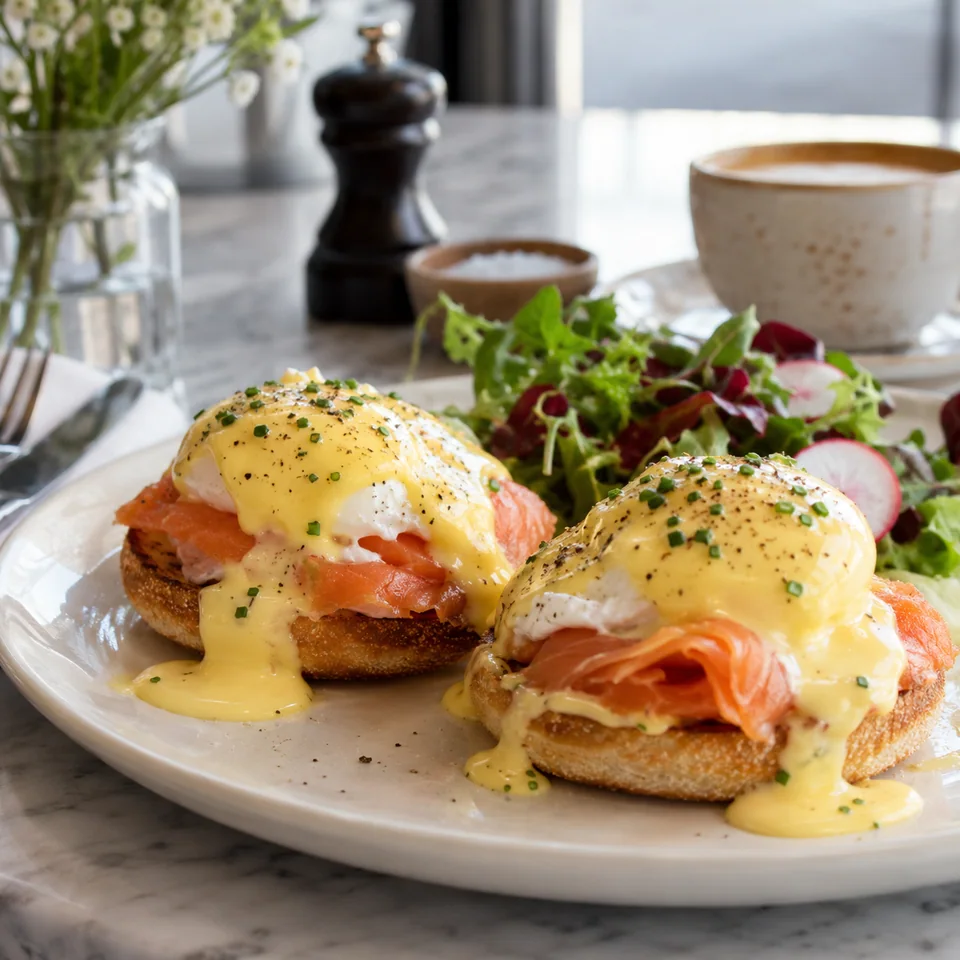
Texture, plating, and recognizable dish identity.
Real dishes. Better visuals.
Turn Bad Food Pics Into Delivery-Ready Photos
Create polished menu images and short promo videos from the food you already serve.
Real dish in. Better menu photo out.
- Recognizable results
- Consistent menu style
- Images and short videos
- Works with phone photos
Before & After01 / UMAMI AI
a good first impression.↓
Describe the movement, reveal, and camera treatment you want.
Start with a required dish photo; optionally guide the final frame.
Create short, clean videos in the format your channel needs.
A different first impression
From an Ordinary Photo to a Menu-Ready Visual
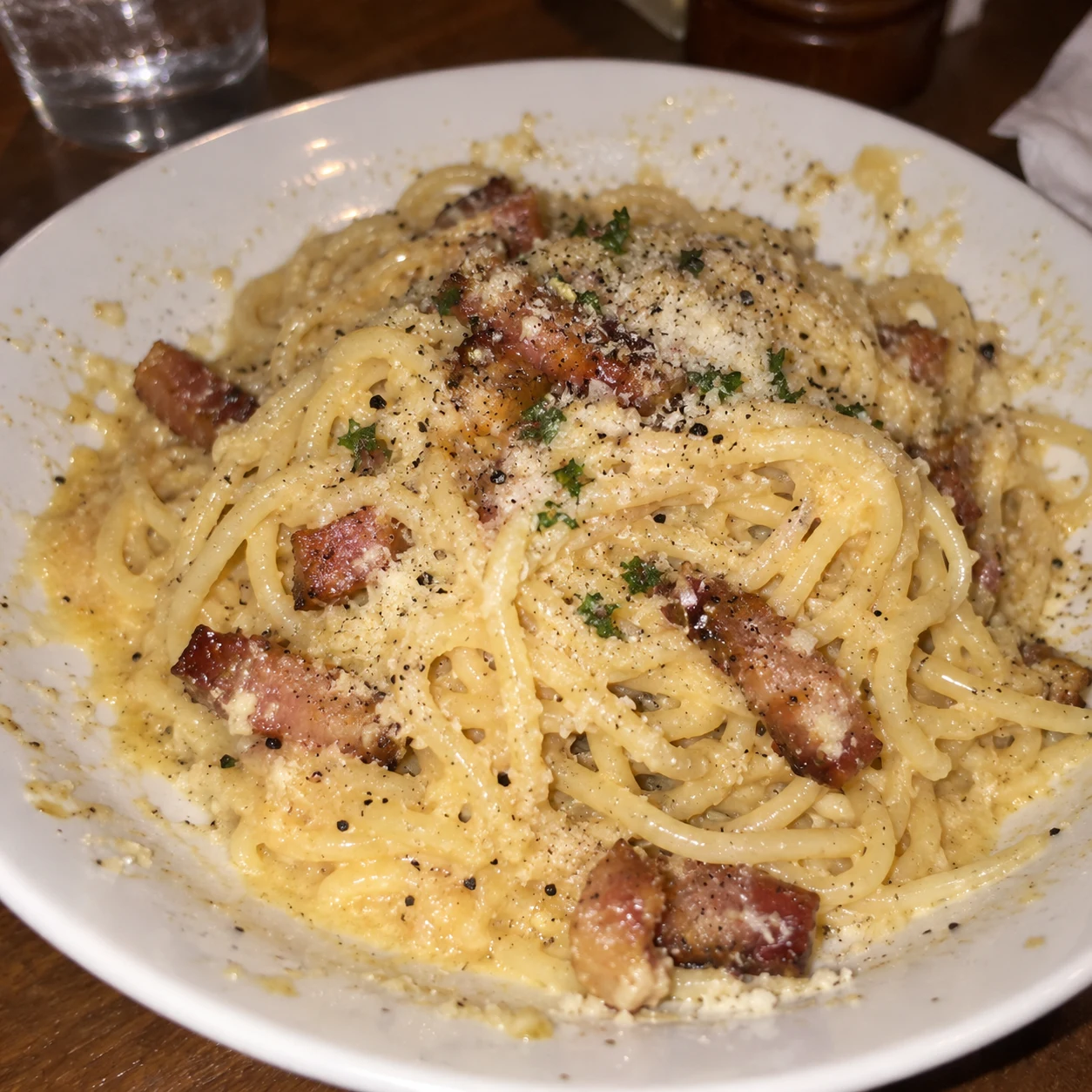
Start with the dish you already serve. Improve the light, framing, and presentation without making it look like a different dish.
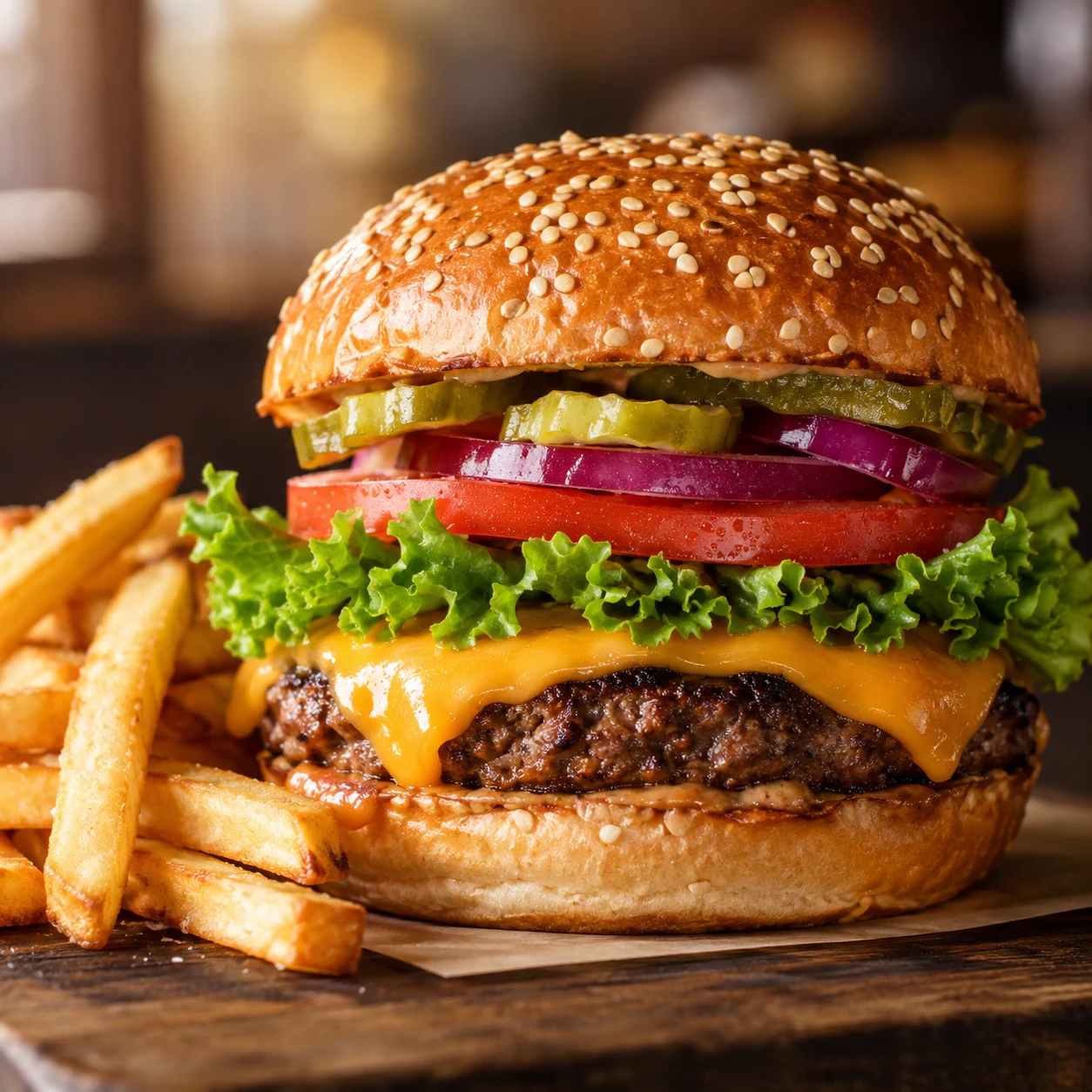
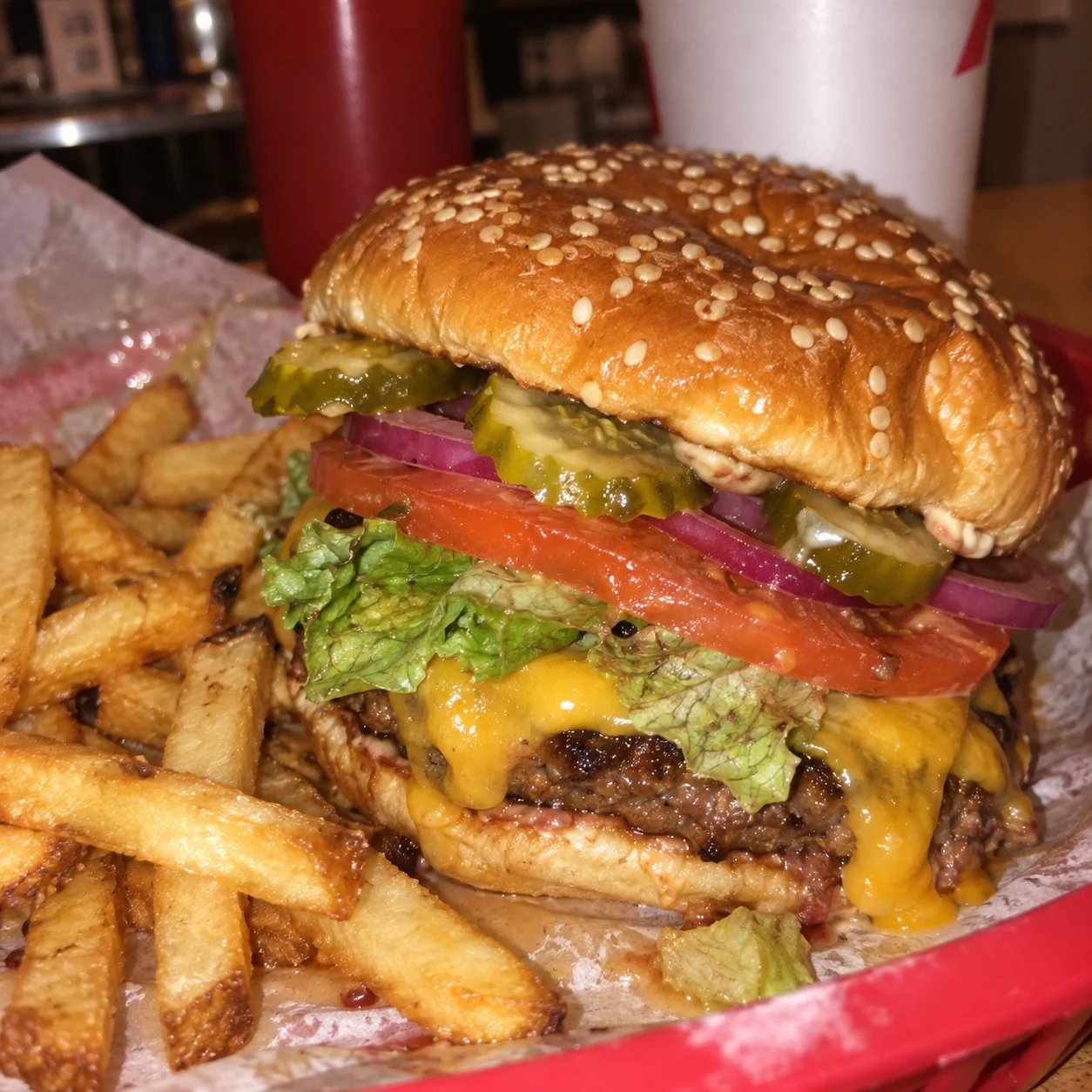
For kitchens that keep moving
Your Menu Changes
Faster Than a Photoshoot
A good dish should not be judged by a bad photo. Dark images, inconsistent styling, and unfinished menu visuals make customers scroll past.
New dishes need visuals now
Launch new dishes without waiting for another studio session.
Delivery apps give you seconds
Make the first image clear, appetizing, and easy to understand.
Your menu should look like one brand
Keep your dishes visually connected across menus, offers, and social posts.
Your food comes first
Keep the Dish
People Ordered
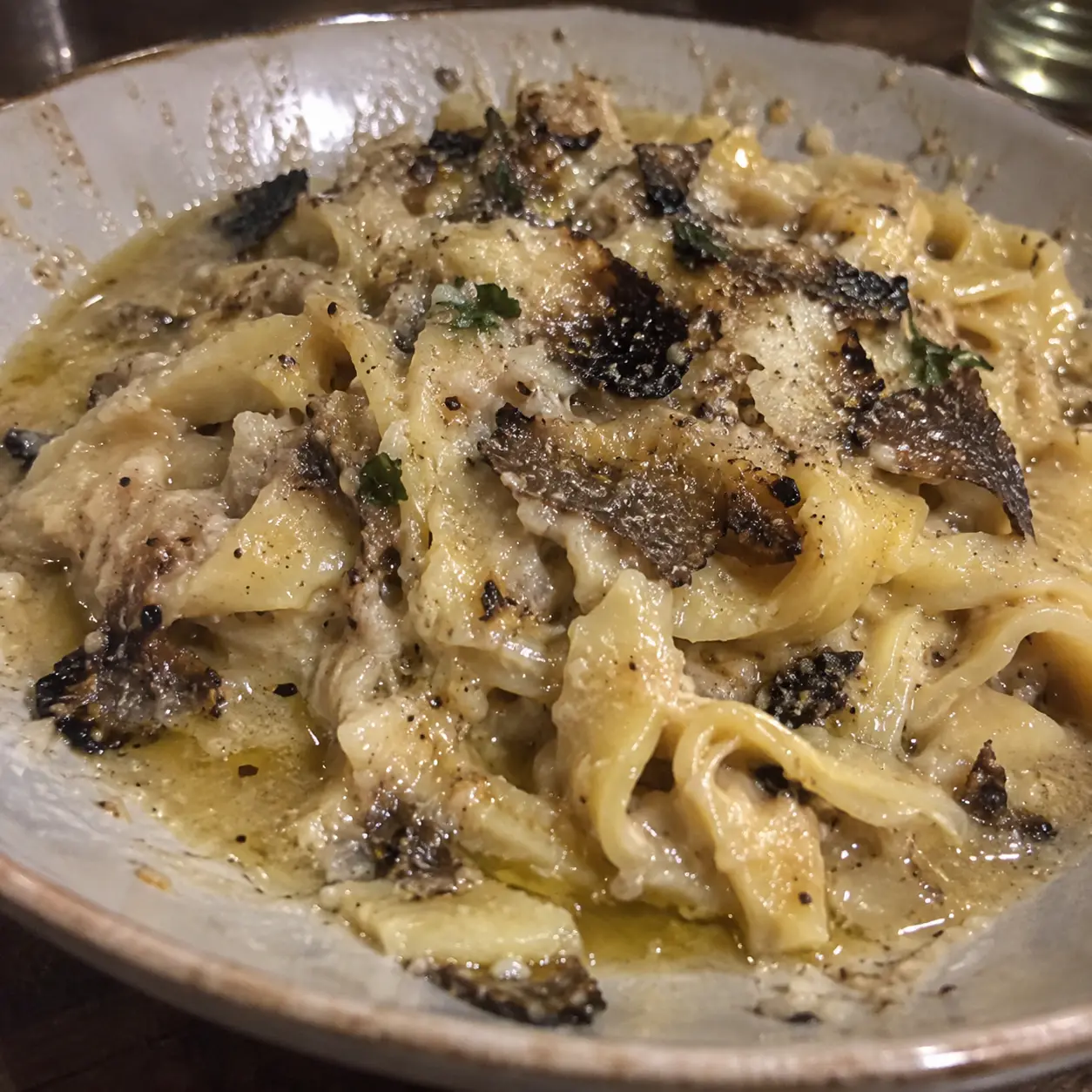
Umami starts with a real photo of your dish and helps present it in a cleaner, more appealing way.
- Start from the food you actually serve
- Improve light and composition
- Keep the result recognizable
- Avoid a generic AI look
The creative kitchen
One Dish. Every Visual,
One Workflow.
Choose the workflow that matches what you want to create.
01
Create / Edit
Up to 4KCreate new food visuals from a prompt or source photo, or edit an existing image with a prompt.
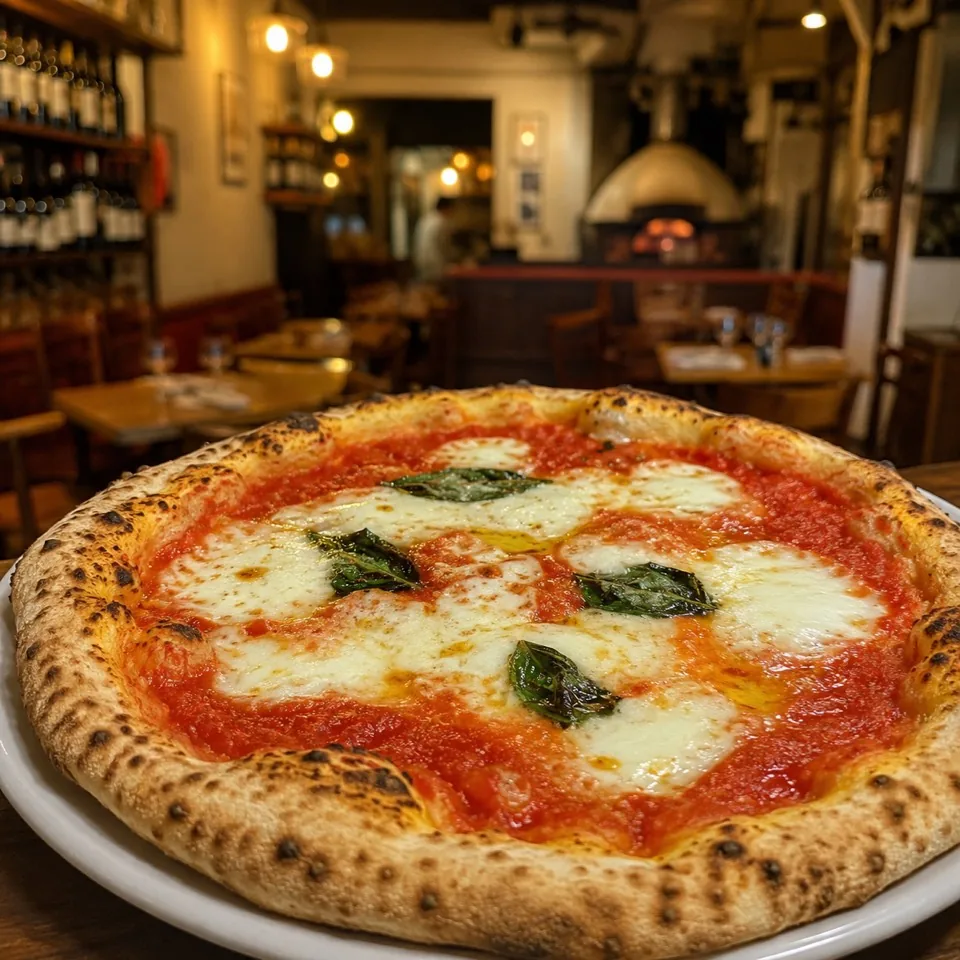
Create a realistic pizza in a restaurant
02
Compose
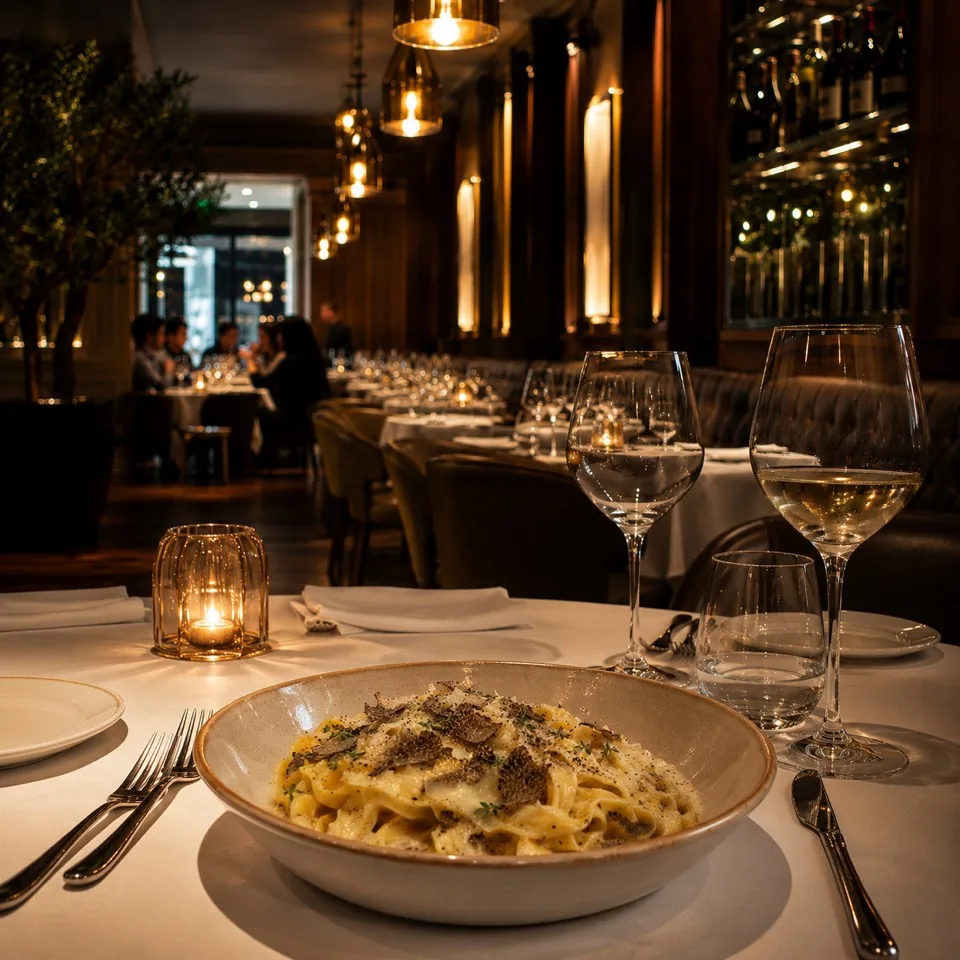
Up to 4KPlace your real dish into a cleaner, more appetizing scene.
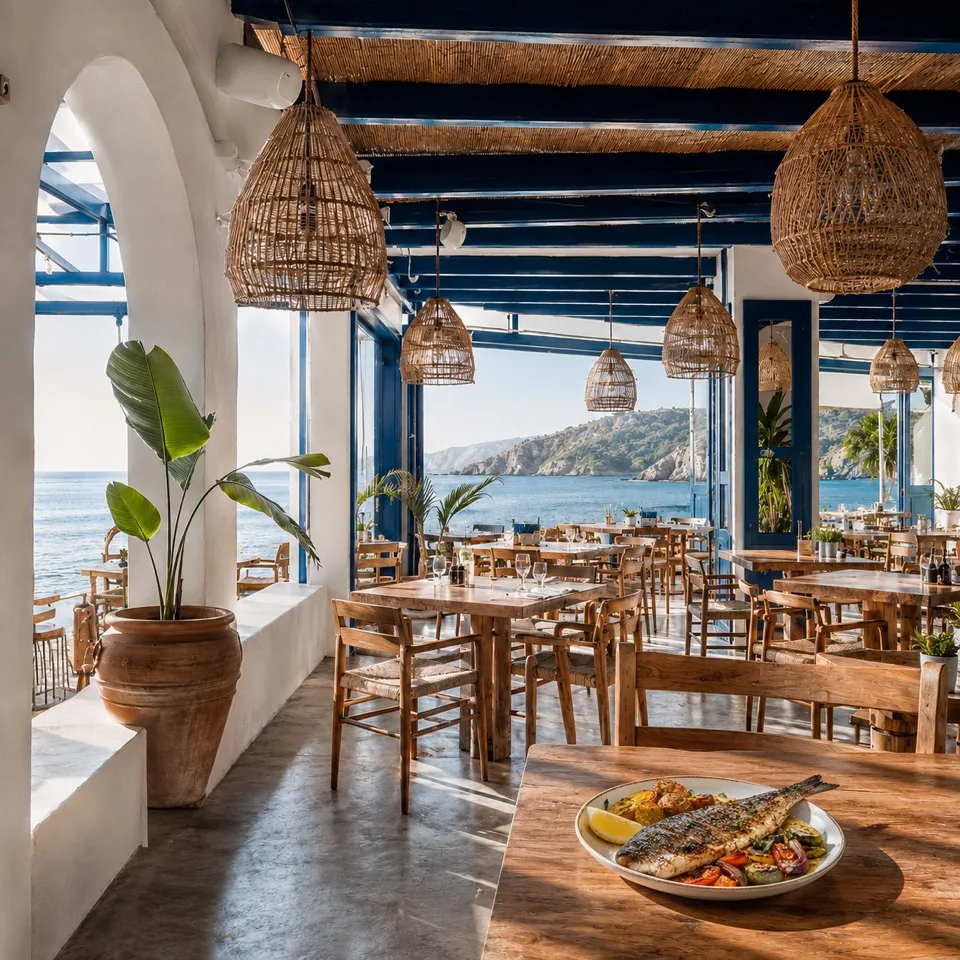
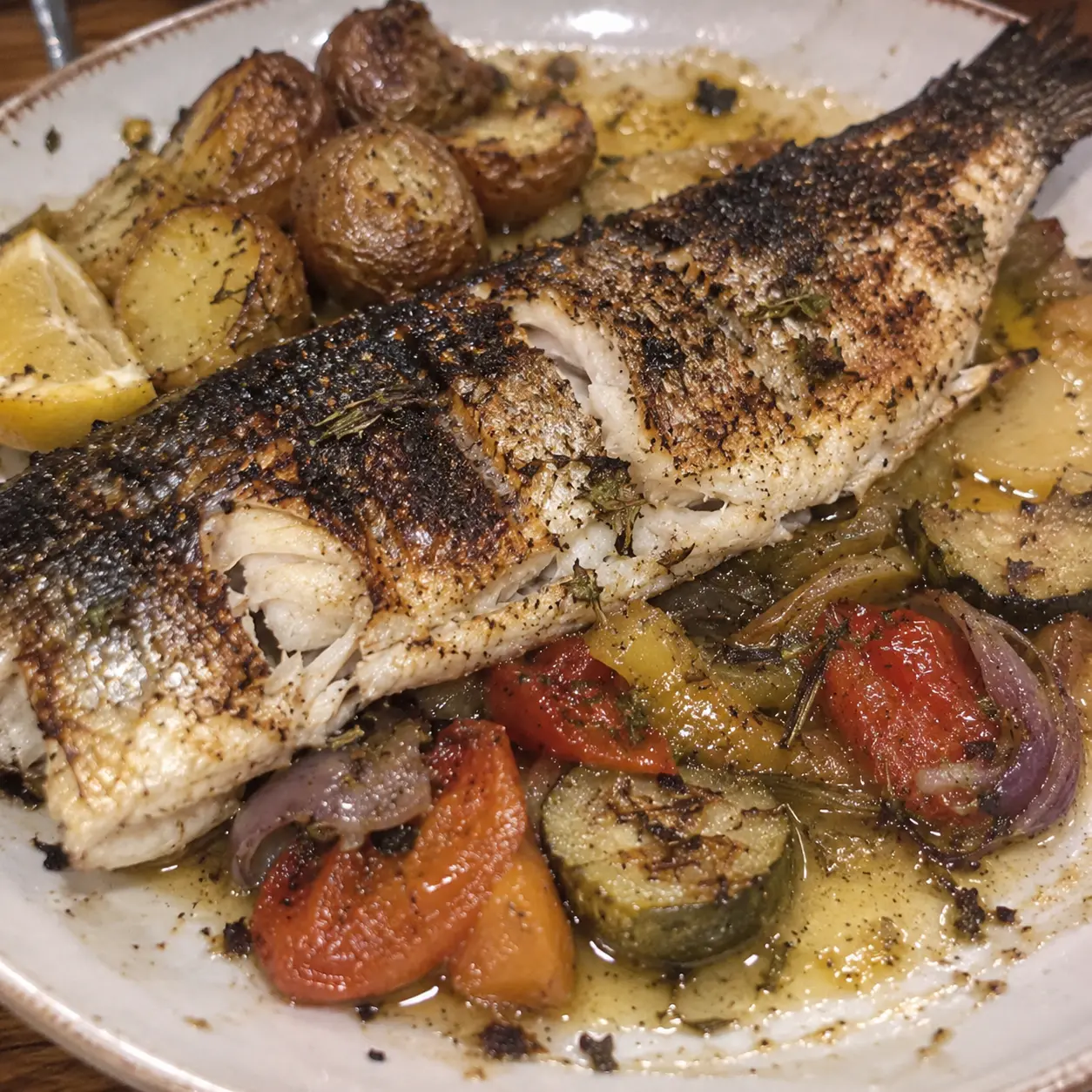
Place this dish on a restaurant table
03
Animate
HDTurn a food photo into a short promo video.
A chef slices a croissant with a knife
04
Edit Selected Area
Up to 4KSelect the exact area you want to change, describe the edit, and keep the rest of the image intact.
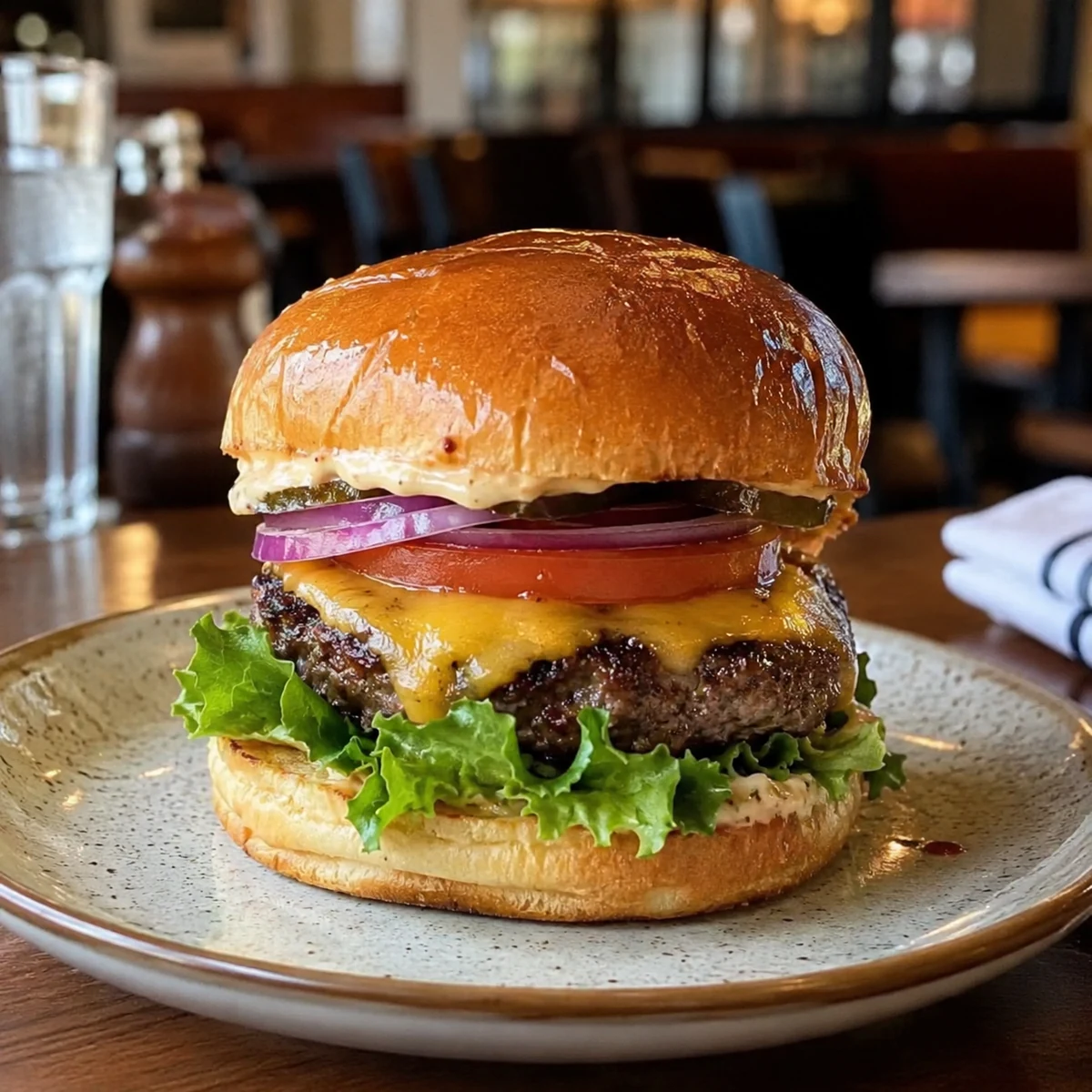
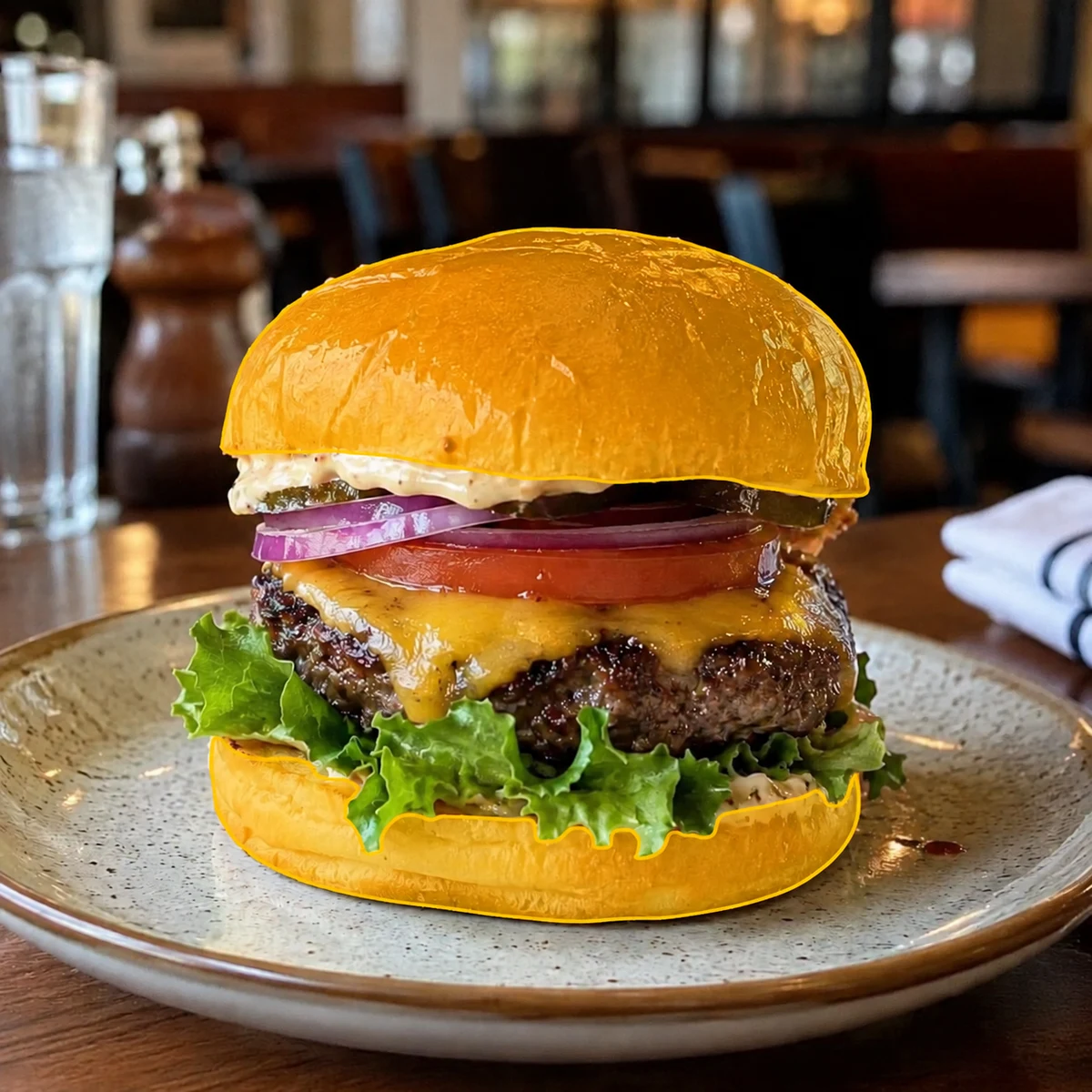
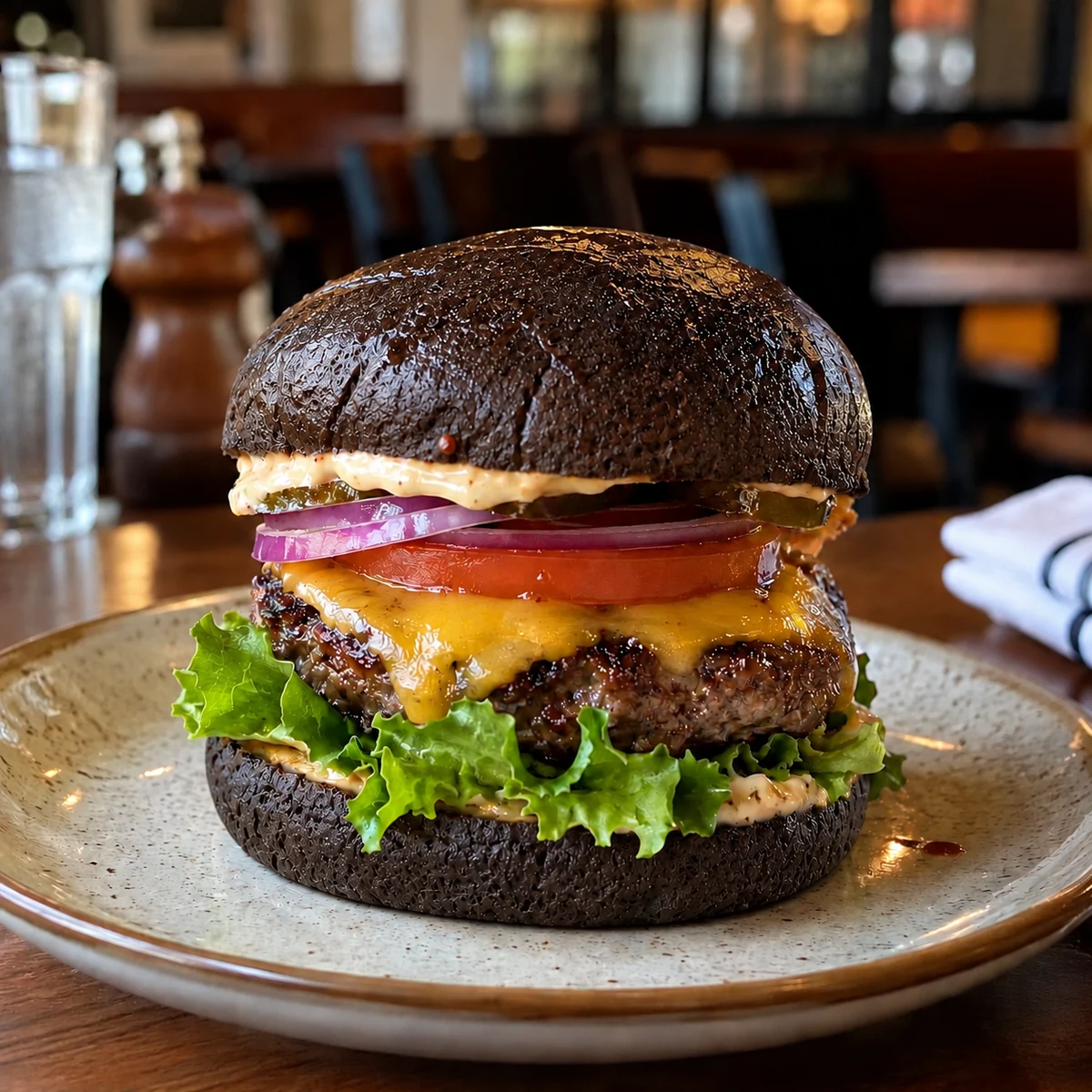
Change the buns to dark grain bread and add seeds
05
Branding
Create branded images with your logo and brand color applied naturally to suitable non-food objects in each scene.
Your logo
MM monogramLogo uploaded
Brand color
#B87333
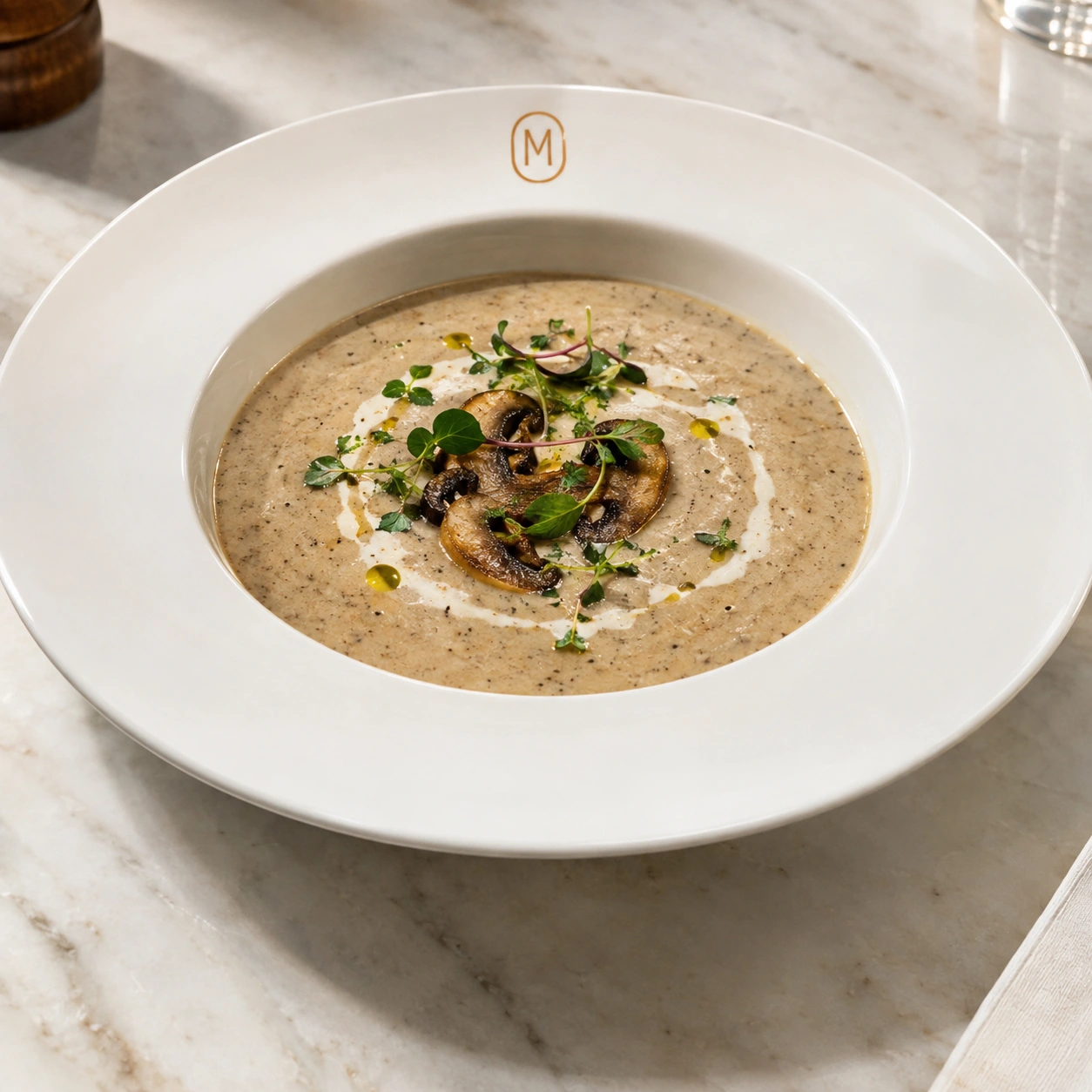
Same idea. A wider canvas.
From a vertical promo to a wide campaign visual.
The Animate Mode Advantage
From Still Dish to Signature Motion.
Umami's focused video framework turns a finished dish image into a clean, controlled promo clip in around 30 seconds for a five-second video, so your team can test more ideas without waiting on a full production workflow.
01 / READY~30 Seconds to a Finished Clip
A five-second food video, ready while the kitchen keeps moving.
02 / PRESERVEFood Detail Stays in Focus
Natural texture, color, plating, and recognizable dish identity.
03 / ITERATEFour Ideas in Parallel
Request multiple clips at once and review the strongest take.
04 / DELIVERDelivery-Ready Ratios
Prepare 16:9, 9:16, or 1:1 versions for the channel you need.
One menu. A clear point of view.
Give Every Dish
a Recognizable Look
Use a clear visual direction across your menu so every dish feels like part of the same brand.
Truffle pasta
01Shrimp avocado salad
02Lamb chops
03Roasted chicken
04Roasted salmon
05Mushroom risotto
06Chicken Caesar salad
07Burger and fries
08Steak with herb butter
09Lasagna
10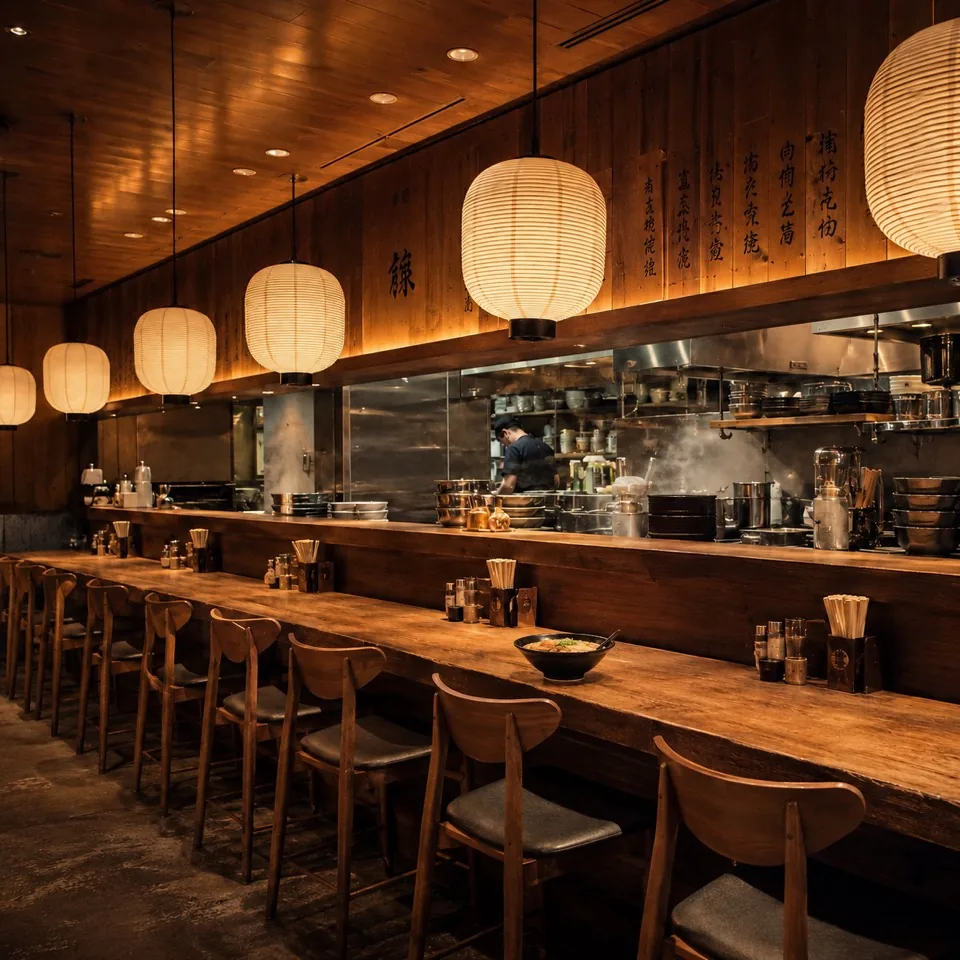
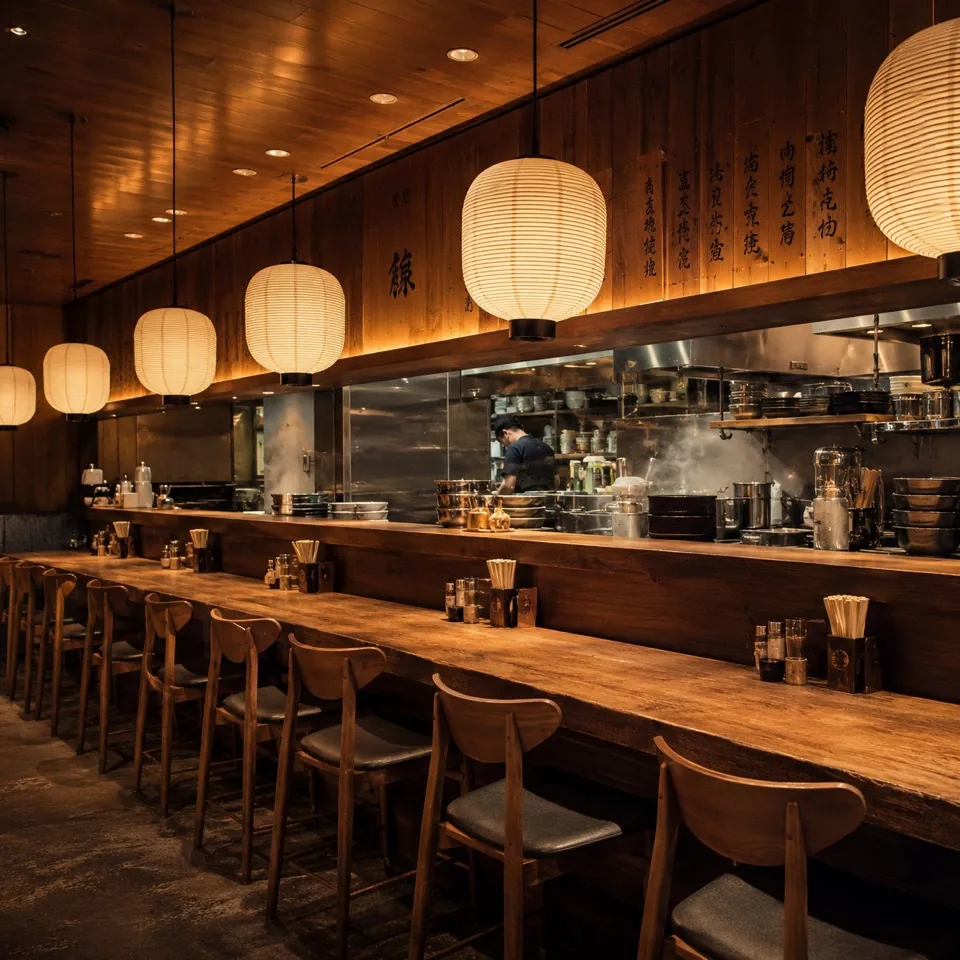
The Compose advantage
Explore the result. Compare the original.
Place your dish wherever you want, with just a couple of clicks.
- 01
Choose Your Mode
Choose Image for photos or Video for a short promo clip.
- 02
Upload Photos or Start from a Prompt
Upload the requested dish or background photo, or start with a prompt.
- 03
Generate and Review
Create the result and check that it matches your expectations.
- 04
Download and Use It
Use your visual in menus, delivery listings, websites, social media, and ads.
Testimonials
Loved by clients
Dima Ivanchenko
Executive Chef

Vlad Jenkins
Marketing Director
Emily Chen
Restaurant Owner
Olivia Wilson
Operations Manager
Lucas Gomez
Head Chef
Sasha Vasilieva
Bakery Owner





A little goes a long way
Two-Month Subscriptions
for Delivery Menus
Your subscription renews every two months, and your credits refresh automatically. Cancel anytime.
Your first taste
No cardFree Trial
$0
2 credits for one week
Best for testing your first dish photo.
- Only Email required & no credit card needed
- Create and Compose images up to 4K
- Commercial use included
- Auto top-up every two months
- Video generation is not included
A fresh start
Billing period: 2 monthsLite
$12/2mo
50 credits
Best for small menus and a first menu refresh.
- Commercial use included
- Create and Compose images up to 4K
- Video generation is not included
- Auto top-up every two months
- Cancel anytime
Keep your menu moving
Billing period: 2 monthsPro
$48/2mo
200 credits
Best for active delivery kitchens updating menus regularly.
- Commercial use included
- Create and Compose images up to 4K
- HD videos / 5 seconds per video
- Auto top-up every two months
- Cancel anytime
- Edit Selected Area
- Brand images with your logo and colors
Room for more
Billing period: 2 monthsScale
$78/2mo
350 credits
Best for cloud kitchens running multiple brands or high-volume menus.
- Commercial use included
- Create and Compose images up to 4K
- HD videos / up to 15 seconds per video
- Auto top-up every two months
- Cancel anytime
- Edit Selected Area
- Brand images with your logo and colors
Need more?Enterprise Plan
Custom solutions for large restaurant chains, agencies, and high-volume production. Dedicated support and custom generation models tailored to your needs.
SecurePayments
All transactions are encrypted and processed securely.

Know what goes into each result
Cost by Mode
A quick view of what each result costs.
| Mode | Result | Credits required |
|---|---|---|
| Create Mode Generate or edit one food image. | 1 image | 1 image credit |
| Compose Mode Compose real dish and interior into one final image. | 1 final image | 2 image credits |
| Animate Generate one second of HD promo video with optional sound. | 1 second | 2 video credits |
How we compare
Why Umami?
Most tools do one thing. Umami lets you create food visuals, combine real dishes with new scenes and turn them into animation, all in one product.
| Features | Umami | Plateit | FoodStage AI | FoodPhoto.ai |
|---|---|---|---|---|
| Dedicated Compose ModeUpload a real dish and a real restaurant scene, then place them together naturally in one polished final image. | ✓ | × | × | × |
| Prompt editing after compositionAfter the merge, refine styling, props, cleanup or scene details with a single prompt. | ✓ | × | × | × |
| Edit Selected AreaMark one precise part of an image, describe the change, and preserve the rest of the dish and scene. | ✓ | × | × | × |
| Brand images with your logo and colorsApply an uploaded logo and HEX brand color naturally to suitable objects in generated scenes. | ✓ | × | ✓ | × |
| Separate Create ModeGenerate a new image from scratch or restyle a finished dish with prompt edits, like turning coffee into matcha. | ✓ | × | × | ✓ |
| Starts from your real dishUse your actual food photo instead of inventing a different burger, pizza or dessert. | ✓ | ✓ | ✓ | ✓ |
| Starts from your real restaurant sceneUse the actual table, interior or restaurant photo instead of placing the dish into a generic generated space. | ✓ | × | × | × |
| Around 30-Second HD Video TurnaroundA five-second HD food clip is typically ready in around 30 seconds, so teams can review and iterate while the kitchen keeps moving. | ✓ | × | × | × |
| Dedicated Animate ModeA separate video workflow for turning a required dish photo and a movement prompt into a short food promo clip without leaving the product. | ✓ | × | × | × |
| Built for menu, delivery and adsDesigned for the actual formats restaurant teams publish and test every week. | ✓ | ✓ | ✓ | ✓ |
Based on publicly described features on official product pages, checked October 2026. A check mark indicates that the exact capability is described publicly.
One dish. Many places to be seen.
Ready for the Places
Customers Discover You
Create visuals for delivery apps, websites, Google Business Profile, Instagram, TikTok, and paid ads.
- Delivery apps
- Your website
- Google Business Profile
- TikTok
- Paid ads
Questions restaurant teams ask
Before You
Get Started
What is Umami AI?
Umami AI helps restaurant teams create and edit food images, compose dishes into real scenes, and turn finished visuals into short promotional videos.
Who is Umami AI for?
Umami AI is made for restaurants, cafes, ghost kitchens, delivery brands, food marketers, restaurant groups, and agencies that need consistent food visuals without organising a new shoot.
Can I start with a phone photo?
Yes. You can begin with an everyday photo of your dish, a restaurant scene, or both. Umami is designed to make real restaurant inputs more presentation-ready.
What is the difference between Create / Edit, Compose and Animate?
Create / Edit generates a new food visual from a prompt or improves an existing image. Compose places your real dish into a selected restaurant scene. Animate turns a finished image into a short promotional video.
Can I edit only one part of an image?
Yes. With Edit Selected Area, you mark the area you want to change, describe the edit in your prompt, and keep the rest of the image intact.
How do I use Edit Selected Area?
In Image, upload one Dish Photo or one Background Photo, turn on Edit Selected Area, mark the area, and describe the change. This option is unavailable with both photos uploaded. Pro or Scale is required.
How do branded images work?
In Brand Settings, upload a PNG logo with a transparent background and choose a brand color. Any background in the logo file may appear in generated images. Branding applies to images only, not videos, and can be placed on suitable non-food objects while keeping the food recognisable.
Can I use my own restaurant interior or a background preset?
Yes. In Image, upload a Background Photo or choose one from Library > Backgrounds. Add a Dish Photo to combine them, or use only the background with Edit Selected Area to insert an object into a chosen area.
How do Delivery Platforms affect output settings?
Add delivery platforms in Account Settings and choose a Primary Platform. In Output Settings, Umami highlights the recommended ratio for that platform, while you can still select another format when needed.
Can I choose an image ratio and resolution?
Yes. Output Settings lets you choose the ratio and available resolution that best fit your menu, delivery listing, social post, or campaign.
Can I save a setup and reuse it later?
Yes. Save a Snapshot to Library and reopen it in Studio later. Its card shows the source photos, prompt, mode, and output settings that will be restored. For video, it shows the saved Dish Photo and optional Last Frame Image. Swipe within the card to view its saved photos.
Can I turn a generated image into a video?
Yes. Choose Create video from this image in Studio or Recent Generations. The exact image variant currently selected in the carousel is loaded into Video Studio. Dish Photo and a movement prompt are required; Last Frame Image is optional.
How long are my generations stored?
Generated images and saved Library work are automatically deleted 10 days after creation. Download important files before they expire.
Which plans include Edit Selected Area and Brand Settings?
Edit Selected Area and Brand Settings are available on Pro and Scale. They are not included in Free Trial or Lite.
How do credits and plans work?
Credits and available generation options depend on your plan and selected workflow. Visit Plans to see the current credits, output capabilities, and access for each plan.
Can I use Umami images commercially?
Yes. Umami is built for restaurant commercial use, including menus, delivery listings, websites, social media, and advertising.
Your next great first impression
Make Your Next Dish
Ready to Order
Start with a real dish photo and create a polished visual for your menu, delivery listing, or social post.