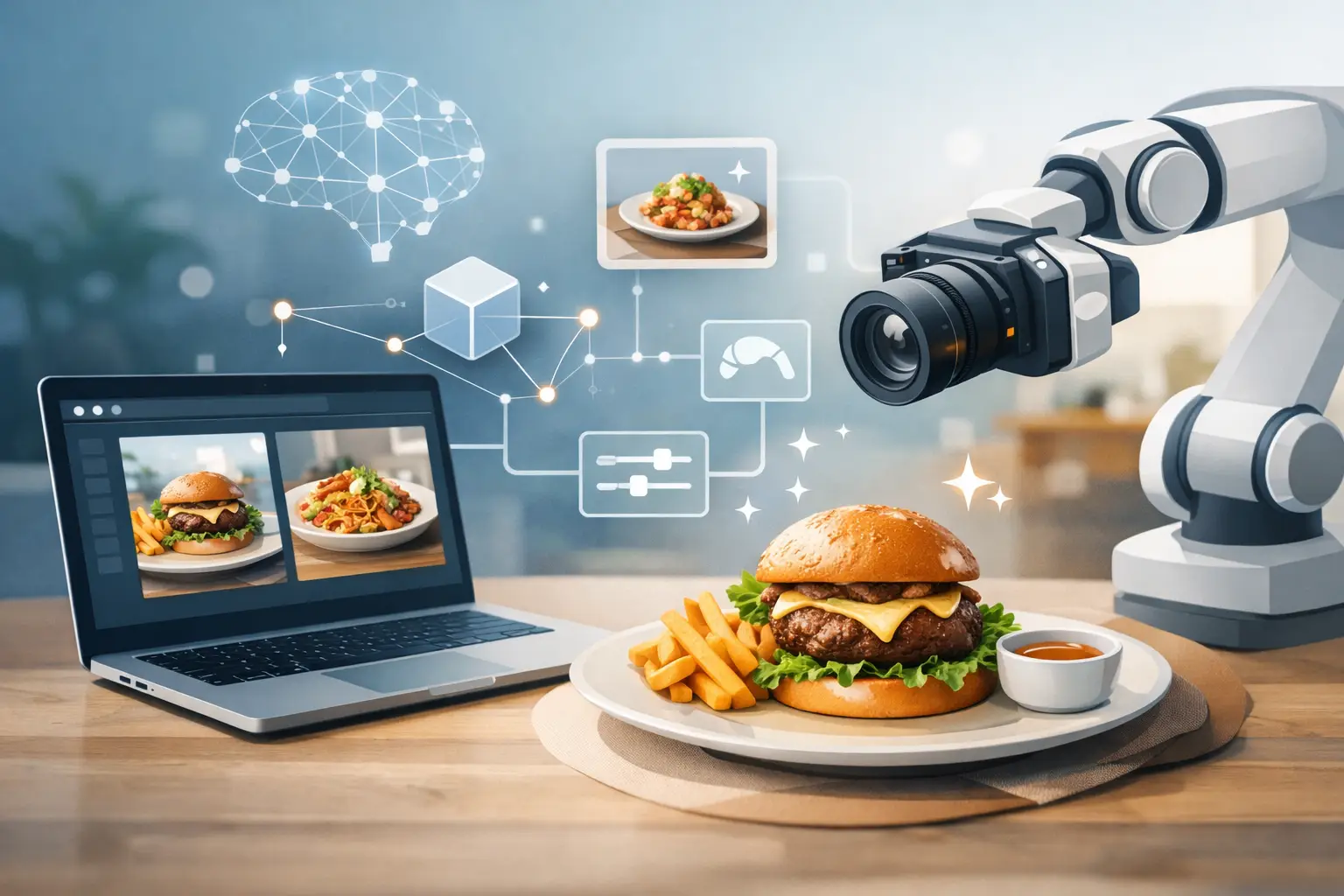
A menu photo that looks flat can drag down the entire order experience. Customers decide fast, and weak visuals make even a strong dish feel average. That is why choosing the right ai tool for menu photos is less about novelty and more about output quality, speed, and repeatable commercial use.
For restaurants, ghost kitchens, cafes, food brands, and agencies, menu imagery is not a one-time project. Prices change, seasonal items rotate in, delivery platforms need updated thumbnails, and paid social campaigns need matching creatives. Traditional photography can still make sense for flagship launches, but it is rarely the fastest or most cost-efficient system for high-volume updates. AI changes that workflow, but only if the tool is built for food.
What an ai tool for menu photos needs to do
Most AI image platforms can generate something edible-looking. That is not the same as generating menu-ready food visuals. Menu photos have a commercial job. They need to look appetizing, stay consistent across categories, and fit the format requirements of menus, websites, in-store screens, and delivery apps.
A useful tool should produce controlled outputs, not random one-off images. If your burger line uses a clean overhead style with bright natural lighting, your chicken sandwich, fries, and combo images should follow the same visual system. If your beverage menu needs a darker premium look, you should be able to maintain that direction across multiple assets without rebuilding the process every time.
This is where specialized tools outperform general-purpose AI. A food-specific platform is trained around the visual logic of meals, ingredients, plating, packaging, textures, and composition choices that actually sell food. That reduces prompt guesswork and speeds up production.
Why generic image generators often fail menu teams
Generic AI tools can be fine for broad concept work, but menu production has narrower requirements. You are not creating abstract art or mood boards. You are producing operational assets that need to support revenue.
The biggest issue is consistency. A general tool might generate one great taco image, then produce five visually unrelated tacos in the next batch. Lighting shifts, proportions change, garnishes appear and disappear, and suddenly your menu looks patched together. That creates extra review cycles and more manual cleanup.
The second issue is food realism. Customers know when cheese looks synthetic, steam looks fake, or ingredient proportions feel off. Menu images do not need to be documentary-accurate in every case, but they do need to feel believable enough to convert.
The third issue is workflow. Creative teams need a system for generating, iterating, resizing, and expanding assets across channels. If the tool stops at single-image creation, it adds another handoff instead of reducing work.
Best ai tool for menu photos means fit, not hype
The best ai tool for menu photos is the one that matches a food business workflow. That usually means four things: specialized food output, predictable image quality, scalable credit usage, and enough flexibility to support both simple menu refreshes and larger campaign production.
For a single-location restaurant, the priority may be replacing sporadic photo shoots with a faster monthly content engine. For a regional chain, the priority may be visual consistency across multiple locations and seasonal promotions. For an agency, the value is volume. Teams need to generate more assets without increasing production overhead at the same pace.
A food-focused platform like Umami AI fits that model because it is built around commercial food visuals rather than broad creative experimentation. That matters when your team needs polished outputs for actual menu deployment, not just inspiration.
How to evaluate an ai tool for menu photos
Start with output realism. Can the platform generate food that looks desirable at a glance and holds up on closer review? Crisp textures, accurate ingredient layering, clean plating, and believable lighting all matter. Menu thumbnails are small, but customers still read quality instantly.
Next, look at style control. You should be able to create a visual direction and reuse it. If each dish requires a full reset, the tool will not scale well for a business.
Then evaluate production speed. A strong system should let you move from concept to usable image quickly. That includes variations, edits, and alternate compositions for different menu placements.
After that, look at commercial practicality. Credit-based systems can work very well if they are transparent and aligned with real usage. A team managing frequent updates needs to know whether it can stay within plan limits, upgrade easily, or add capacity when campaign volume spikes.
Finally, consider whether the platform extends beyond static images. Short-form food motion assets are becoming more valuable across social placements, digital signage, and paid ads. If the same environment supports both image and video generation, your workflow gets tighter.
Where AI menu photos make the most business sense
Not every menu image problem needs a studio shoot. In many cases, AI is the more practical production model.
Seasonal menu launches are a strong example. Limited-time offers move fast, and organizing a shoot for a product that may only run for a few weeks is often inefficient. AI lets teams build launch assets on a tighter timeline.
Delivery platforms are another clear use case. Marketplace listings need frequent updates, and the unit economics of photographing every variation do not always hold up. AI-generated menu photos can help businesses maintain fresher listings without rebuilding the entire content budget.
Franchise and multi-location systems also benefit. When every local team handles visuals differently, brand consistency slips. A centralized AI workflow creates a more standardized output system for menus, promotions, and regional tests.
This approach is also useful for businesses that are still developing products. If a concept is in testing, AI can support pre-launch marketing, investor decks, digital menu mockups, and ad creative before physical photography is worth the spend.
The trade-off: speed vs exact product matching
There is one point worth being direct about. AI menu imagery is excellent for scalable food marketing, but it is not always the right choice when exact legal or packaging-level representation is required.
If you are selling a packaged retail product and every label detail must match the real item exactly, you may still need traditional photography or a tightly controlled production process. The same applies to highly regulated use cases where visual precision is non-negotiable.
But for a large share of menu marketing, promotional food content, and campaign-ready visuals, the priority is not forensic duplication. It is appetite appeal, consistency, speed, and cost control. That is where AI has a strong operational advantage.
What good menu photo workflows look like now
The strongest teams do not treat AI as a novelty layer. They treat it as part of content operations. A practical workflow usually starts with a defined visual style, then moves into batch generation for core categories like burgers, bowls, drinks, desserts, and sides. From there, teams create variants for menu boards, app listings, social crops, and ad placements.
That system reduces production friction. Instead of waiting on a shoot, selecting finals, requesting edits, and resizing downstream, teams can generate and refine inside one faster cycle. For businesses with regular promotions, that is a meaningful advantage.
It also changes how often content gets updated. When new visuals are easier to produce, menus and campaigns stay fresher. That can improve click-through rates, support testing, and help businesses present products more competitively across crowded digital channels.
Choosing the right platform for your team
If you are comparing options, skip the broad question of whether AI can generate food images. It can. The better question is whether the platform helps your team produce menu assets at commercial speed with consistent quality.
Look for food specialization, clear plan structure, practical credit logic, and support for both single-asset creation and ongoing production volume. If your business needs content every week, not once a quarter, those details matter more than flashy demos.
A strong ai tool for menu photos should shorten turnaround, reduce production costs, and give your team more control over how food is presented across menus and marketing. When that system is built specifically for food, the gap between idea and usable asset gets much smaller.
The smart move is not replacing every photo shoot forever. It is building a faster visual pipeline for the work that needs to move now.