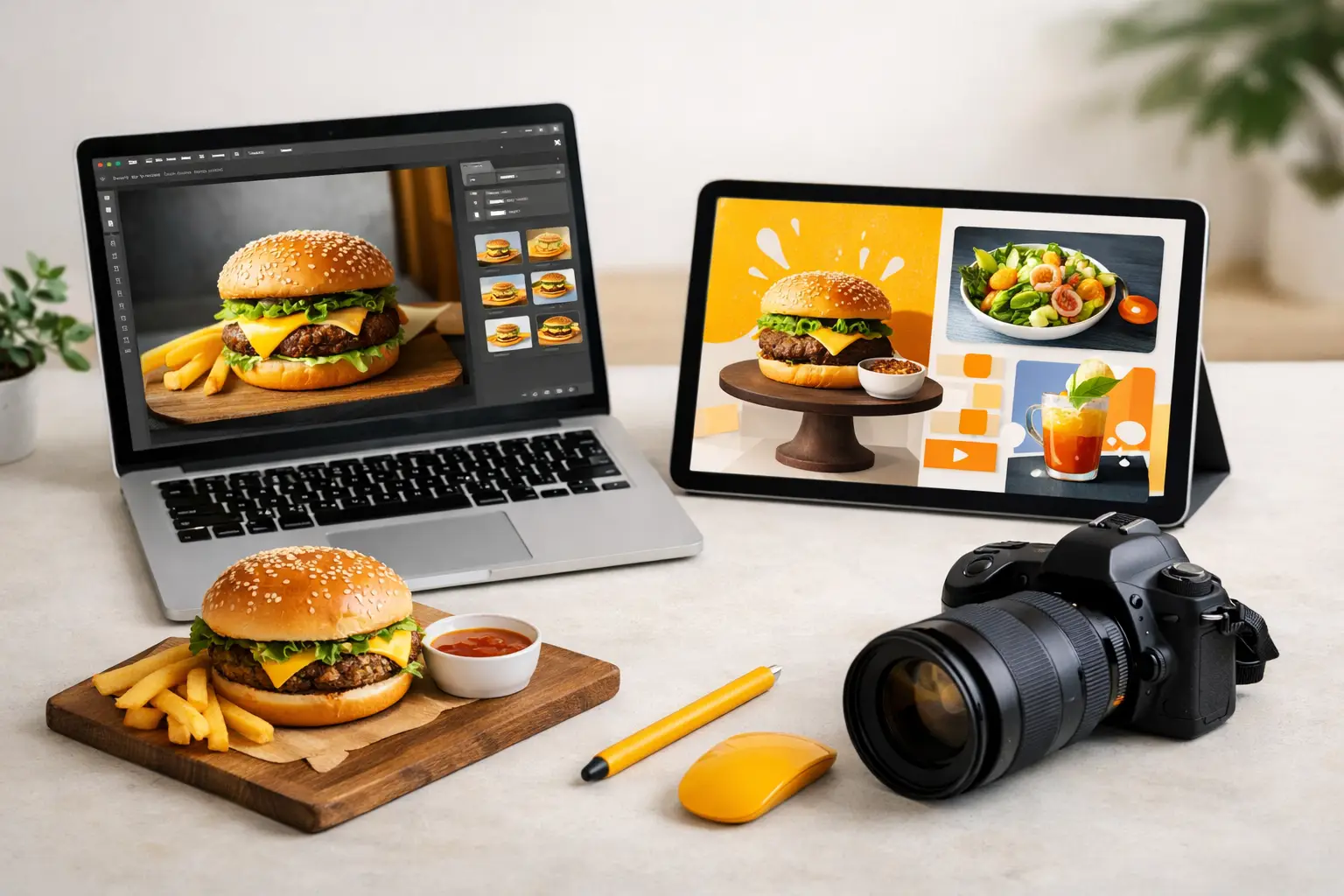
A restaurant promotion can need six ad variations before lunch: a square social post, a vertical story, a delivery-app banner, a menu feature, and two seasonal offers. Waiting on a new photo shoot for each one is slow and expensive. The best food ad image software gives marketing teams a faster way to produce polished, appetite-driven visuals while keeping campaigns on brand.
For food businesses, the right choice is rarely the tool with the longest feature list. It is the one that reliably produces food that looks intentional, makes product changes easy, and fits the volume of content your team actually needs. A general AI art generator may create an attractive scene, but it can struggle with a specific menu item, packaging details, portion size, or the repeatable style a campaign requires.
What the best food ad image software needs to do
Food advertising has a different standard than general social graphics. A plate needs believable texture. Melted cheese, condensation, crispy edges, sauce shine, ice, and steam all affect whether the final image feels craveable or artificial. The software also has to support the practical work around the image: choosing an aspect ratio, leaving space for offer copy, producing several options, and adapting a winning concept across channels.
Start with food realism. Look closely at ingredients, utensils, plates, glassware, and hands. Can the tool create food that looks fresh rather than plastic? Does it preserve familiar cues, such as a recognizable burger build or the shape of a bottled beverage? For a broad lifestyle post, slight imperfections may be acceptable. For a paid ad focused on a signature product, they often are not.
Next, evaluate control. Marketing teams need more than a text box and a random output. Useful controls include composition direction, camera angle, lighting mood, background selection, crop formats, and the ability to refine an image without rebuilding the entire scene. The goal is not to make every asset look identical. It is to give your team a controlled visual system that can flex by promotion, audience, or channel.
Finally, assess commercial readiness. Review the platform's terms for business use, understand how credits are consumed, and confirm that the output workflow supports your planned volume. A low entry price can become less appealing when each useful variation requires repeated generations or when high-resolution exports and key functions sit behind a higher plan.
Compare software by workflow, not by hype
The best food ad image software for a local cafe will not necessarily be the best option for a packaged-food brand with weekly retailer promotions. Compare tools against the job your team needs done.
Food-specific AI visual platforms
A food-focused platform is designed around the visual language of menus, restaurants, beverages, CPG products, and recipe content. That specialization can reduce the time spent explaining basic food photography concepts to a general model. Instead of prompting from scratch for every scene, teams can move faster toward product-forward compositions, editorial food styling, or social-ready hero images.
This category is strongest when content volume is high and your campaigns need a consistent appetite appeal. It can be particularly useful for restaurant groups, ghost kitchens, agencies, and ecommerce teams that need fresh creative for promotions without coordinating props, studio time, photographers, and post-production for every request. Umami AI fits this model by focusing its creation and animation workflow on commercial food visuals.
The trade-off is that a specialized tool may be less useful if your team also needs extensive non-food illustration, technical diagrams, or broad corporate design work. In that case, use the food platform for food assets and keep a separate general design tool for the rest of the brand workload.
General AI image generators
General-purpose AI generators can be useful for early concepting, mood boards, lifestyle scenes, and experimental campaign art. They often offer wide stylistic range, which can help a brand explore an unexpected visual direction before committing to a campaign.
Their limitation is operational consistency. Food is a difficult subject because customers know what it should look like. A prompt might produce a beautiful table scene while changing the product, adding implausible ingredients, or creating packaging that does not match the brand. The more precise the ad needs to be, the more revision time can eat into the initial speed advantage.
Use this category when the food is supporting a broader idea rather than serving as the exact product claim. For example, it can work well for a warm, seasonal breakfast atmosphere. It is a weaker choice for an ad where a consumer must recognize a specific new sandwich, snack bag, or beverage label.
Traditional design and photo editing software
Design and editing tools remain essential when you already have approved photography. They are excellent for resizing assets, placing headlines, building promotions, correcting color, removing backgrounds, and assembling a complete ad system. They also offer the highest level of hands-on precision for production designers.
But they do not create the original food scene on their own. If your source photography is dated, limited, or inconsistent, editing software can only stretch it so far. Teams often get the best result from a combined workflow: generate or source a strong food visual, then use design tools to add brand copy, legal language, price points, and campaign templates.
Test for the ads you actually run
A platform demo can look impressive while still failing the practical test. Before committing to a subscription, run a small pilot based on real requests from your content calendar. Use the same product, promotion, and audience across each tool you are considering.
Ask the tool to create a lunch special in a 1:1 format, then adapt it to 9:16 and 16:9. Request a clean background version for menu use and a lifestyle version for social. Add a specific seasonal cue, such as a game-day table setup or summer patio lighting. This reveals whether the system maintains a usable product focus when the composition changes.
Measure the process, not just the single best image. Track how many generations it takes to reach an approved direction, how much manual cleanup is needed, whether teammates can repeat the result, and how quickly the visual can be converted into an ad. A tool that creates one striking image after 40 attempts is less valuable than one that produces five campaign-ready options in a predictable workflow.
Build brand consistency into the brief
AI image generation is most effective when the input is specific enough to guide the result. Give every campaign a short creative brief that states the product, customer, offer, format, mood, and non-negotiable brand elements. Include what should not appear as well. If your brand avoids rustic wood tables, heavy shadows, or overly styled garnishes, say so.
For product-led ads, separate the food direction from the marketing direction. The food direction might specify a close overhead shot of crispy chicken tacos with lime, visible texture, and natural daylight. The marketing direction might specify negative space in the upper third for a limited-time offer, a bright background, and a vertical crop for paid social. This level of instruction reduces wasted output and makes feedback clearer.
Create approved visual lanes rather than asking for a different aesthetic every time. A fast-casual brand may use bright overhead product shots, while a premium beverage company may use moody editorial lighting. Both can be effective, but inconsistency makes campaigns feel disconnected. Save the prompts, composition settings, and reference approach that produce your strongest results so the next campaign starts from a proven baseline.
Do not ignore product accuracy and claims
Food ads need more scrutiny than a casual social post. An AI-generated image should not misrepresent portion sizes, ingredients, packaging, or an offer that customers cannot actually buy. This matters most for delivery menus, paid acquisition, retailer listings, and promotions tied to pricing or limited availability.
Treat generated visuals as creative production assets, not automatic final approvals. Have a brand or operations reviewer confirm that the featured product is recognizable and that the image aligns with current menu standards. If an exact package, label, or product configuration is required, use approved source materials and a workflow that supports that level of control.
Also plan for text separately. AI-generated lettering can still be unreliable, especially for prices, disclaimers, product names, and calls to action. Generate the food image first, leaving intentional copy space, then add final messaging in your standard design environment. This keeps the food visual strong and the commercial message accurate.
Choose a plan that matches production volume
Subscription structure matters because food content demand is rarely flat. A single-location operator may need a few campaign visuals each month. An agency managing several restaurant accounts may need daily variations, seasonal refreshes, and short-form motion assets. Look at image credits, video credits, export needs, team access, and add-on capacity before choosing a plan.
Estimate usage from the number of approved assets you need, then allow room for testing. If a campaign typically needs eight final images and each takes several variations to refine, your monthly requirement can grow quickly. Annual plans may lower the effective cost for predictable workloads, while flexible add-ons can make more sense for seasonal spikes.
The right platform should make visual production feel less like a scheduling problem and more like a repeatable marketing capability. Start with one live campaign, establish the visual direction that converts, and turn that process into the standard your team can use again next week.