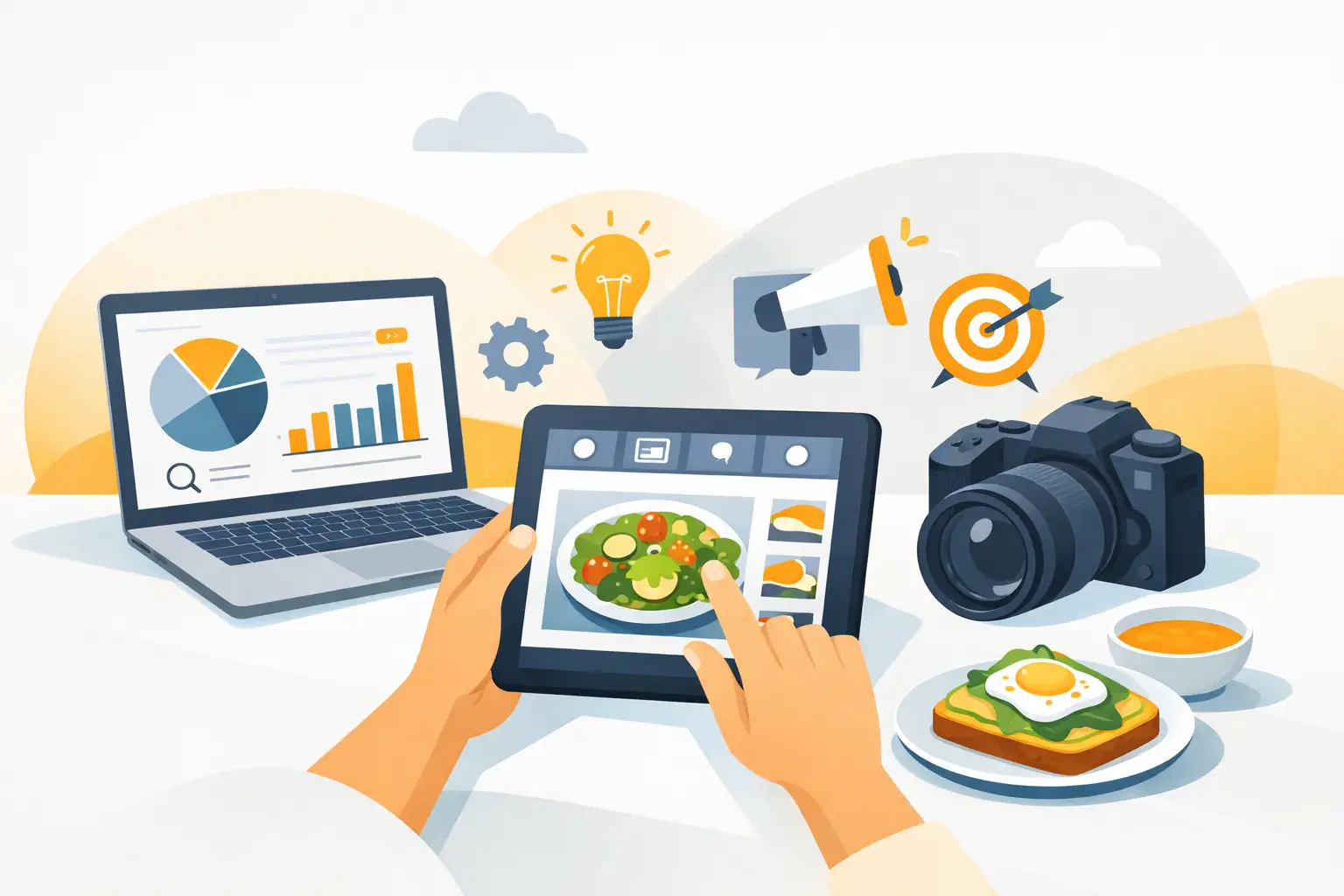
A new menu item, seasonal flavor, or limited-time bundle can lose momentum while a team waits on a photo shoot, design revisions, and channel-specific exports. The best tools for food marketers reduce that production lag. They help teams create better visuals, publish faster, collect customer demand signals, and measure what converts without adding unnecessary operational overhead.
The right stack is not the one with the most software. It is the one that gives a restaurant, CPG brand, agency, or e-commerce team a reliable way to move from campaign idea to usable creative. For most food businesses, that means prioritizing visual production first, then organizing distribution, customer communication, and reporting around it.
What Food Marketing Tools Need to Do Differently
Food is sold visually before it is sold verbally. A product page image has to communicate texture, portion size, freshness, and occasion in seconds. A restaurant social post needs to make a viewer stop scrolling. An ad creative needs enough variation to test offers, formats, backgrounds, and audiences without making every campaign dependent on a new studio day.
That requirement changes how food teams should evaluate tools. General-purpose platforms can be useful, but they often require more prompting, editing, and cleanup to produce believable food imagery. A food-specific workflow is usually faster when the asset needs to look commercially appetizing and stay consistent with a brand's existing visual direction.
The practical question is not, "What is the most advanced tool?" It is, "Can this tool help our team produce approved assets at the volume our calendar requires?"
10 Best Tools for Food Marketers
1. Umami AI for food visual production
Umami AI is built for teams that need commercial food images and short-form visual assets without repeatedly booking photography, props, studios, and post-production. It is a strong fit for menu refreshes, promotional posts, delivery app imagery, product launches, paid social variants, and campaign concepts that need to move quickly.
Its food-specific focus matters. Rather than adapting a broad image generator to a food use case, marketers can work from a platform designed around food composition and visual creation. Use it when output volume, speed, and brand-ready presentation are more urgent than the logistics of a traditional shoot. Credit-based plans also make it easier to match production capacity to campaign demand.
The trade-off is straightforward: hero assets involving an exact packaged product, highly regulated claims, or a precise real-world dish may still require photography and careful review. AI production works best as a scalable creative layer, not a replacement for every physical product shoot.
2. Canva for fast campaign assembly
Canva is useful when approved visuals need to become channel-ready assets quickly. A social manager can turn a food image into a story, flyer, email header, menu insert, or ad format without waiting for a designer to rebuild the layout from scratch.
It works especially well for teams with clear brand templates. Build reusable formats for weekly specials, new arrivals, promo codes, and event announcements, then keep the work focused on the offer and image rather than repeated layout decisions. Canva is less effective as the core system for creating distinctive food visuals. It is the finishing and formatting layer.
3. Later for social publishing and planning
Food content has a short shelf life. Limited runs, daily specials, holiday menus, and local events all depend on publishing at the right moment. Later helps teams plan, schedule, and review social content across channels from a single calendar.
For a lean team, the value is operational. Batch-create visual assets, load captions and posting dates, and reduce the chance that a campaign gets stuck in a draft folder. Its scheduling capabilities are most valuable when paired with a consistent asset pipeline. A calendar cannot fix weak creative, but it can keep strong creative moving.
4. Klaviyo for email and SMS revenue
Klaviyo is a strong option for food and beverage e-commerce brands that need email and SMS to do more than announce a sale. It supports segmentation and automated flows based on customer behavior, which makes it useful for replenishment reminders, new product launches, abandoned carts, win-back offers, and VIP access.
The best results come from giving these messages a clear visual hierarchy. A strong product image, one primary offer, and a direct call to action usually outperform crowded promotional layouts. Restaurants can also use similar lifecycle thinking through their ordering and loyalty systems, though their data setup may look different from a packaged-goods brand.
5. Mailchimp for simpler email operations
Not every food business needs the depth of an enterprise-style retention platform. Mailchimp remains a practical choice for independent restaurants, caterers, local retailers, and early-stage brands that need newsletters, basic automation, and audience management without a heavy setup process.
Choose it when the priority is getting consistent campaigns out the door. If your program grows into complex segmentation, subscription logic, or higher-volume SMS, a more specialized retention platform may become worth the added cost.
6. Meta Ads Manager for paid social testing
Paid social gives food marketers a fast way to test which image, offer, headline, or format earns attention. Meta Ads Manager is particularly useful for local restaurant promotions, delivery offers, product discovery campaigns, retargeting, and new customer acquisition.
Its real value is not simply reach. It is the ability to compare creative variations at a meaningful pace. Test a close-up product shot against a lifestyle setting. Test a value bundle against a premium product message. Test a static image against a short motion asset. Creative volume matters here, because a single polished asset rarely tells you what will scale.
7. Google Analytics 4 for website behavior
Traffic alone is not a marketing result. Google Analytics 4 helps teams understand what visitors do after they land on a menu page, product page, recipe article, or campaign landing page. It can show where customers come from, which content drives engagement, and where conversion paths break down.
For food marketers, track actions that connect to revenue or intent: online orders, store-locator use, add-to-cart events, wholesale inquiries, email signups, and coupon downloads. Set up the measurement before launching a campaign. Retrofitting tracking after spend has already happened leaves teams guessing about what worked.
8. Hotjar for conversion friction
Analytics can tell you that a product page has a drop-off problem. Hotjar can help show why. Heatmaps and session recordings make it easier to spot issues such as a buried add-to-cart button, unclear shipping information, confusing mobile navigation, or an image that pushes essential details too far down the page.
This tool is most useful after a site has enough traffic to reveal patterns. Do not overreact to one session. Look for repeated behavior, then make a focused change and measure the result.
9. Airtable for campaign operations
Airtable is a practical control center for food marketing teams managing many products, markets, campaign dates, content formats, and approvals. It can hold a content calendar, creative brief, product details, ingredients, seasonal dates, asset status, and publishing requirements in one structured workspace.
This becomes valuable when the problem is not a lack of ideas but a lack of coordination. Agencies can use it to manage client approvals. Multi-location brands can use it to distinguish national assets from local promotions. Product teams can use it to keep marketing details aligned with launches.
10. Sprout Social for larger social teams
Sprout Social is worth considering when social media requires more governance, reporting, and collaboration than a lightweight scheduler provides. It helps larger brands and agencies manage publishing, approvals, messages, and performance reporting across multiple accounts.
It is not the first tool a small operator needs. It earns its place when several people touch the content process, response time matters, or client-ready reporting is part of the workflow.
How to Build a Food Marketing Stack Without Tool Sprawl
Start with the bottleneck that is slowing revenue-facing work. If your team has offers ready but no fresh imagery, prioritize visual production. If assets exist but campaigns publish inconsistently, add planning and scheduling. If traffic is arriving but orders are weak, focus on analytics and conversion behavior before buying another content platform.
A practical stack for many teams has four layers: a food visual creation tool, a design and formatting tool, a distribution tool for social or email, and a measurement tool. Add project management only when multiple stakeholders or locations make coordination difficult. This approach keeps subscriptions tied to a defined job instead of accumulating software that no one owns.
Before committing to an annual plan, run a short operating test. Create one full campaign using the proposed tools: a hero image, several social variants, an email, a landing page asset, and a reporting view. Measure production time, approval time, cost per usable asset, and campaign performance. If a platform saves clicks but does not improve output or speed, it may not belong in the stack.
Choose for Output, Not Features
Food marketing moves at the speed of launches, promotions, and changing customer appetite. The teams that perform consistently are not necessarily the ones with the largest creative departments. They are the ones with a repeatable system for producing, approving, testing, and reusing strong visual assets.
Choose tools that make your next campaign easier to ship than your last one. That is the standard that turns a software subscription into a working marketing advantage.