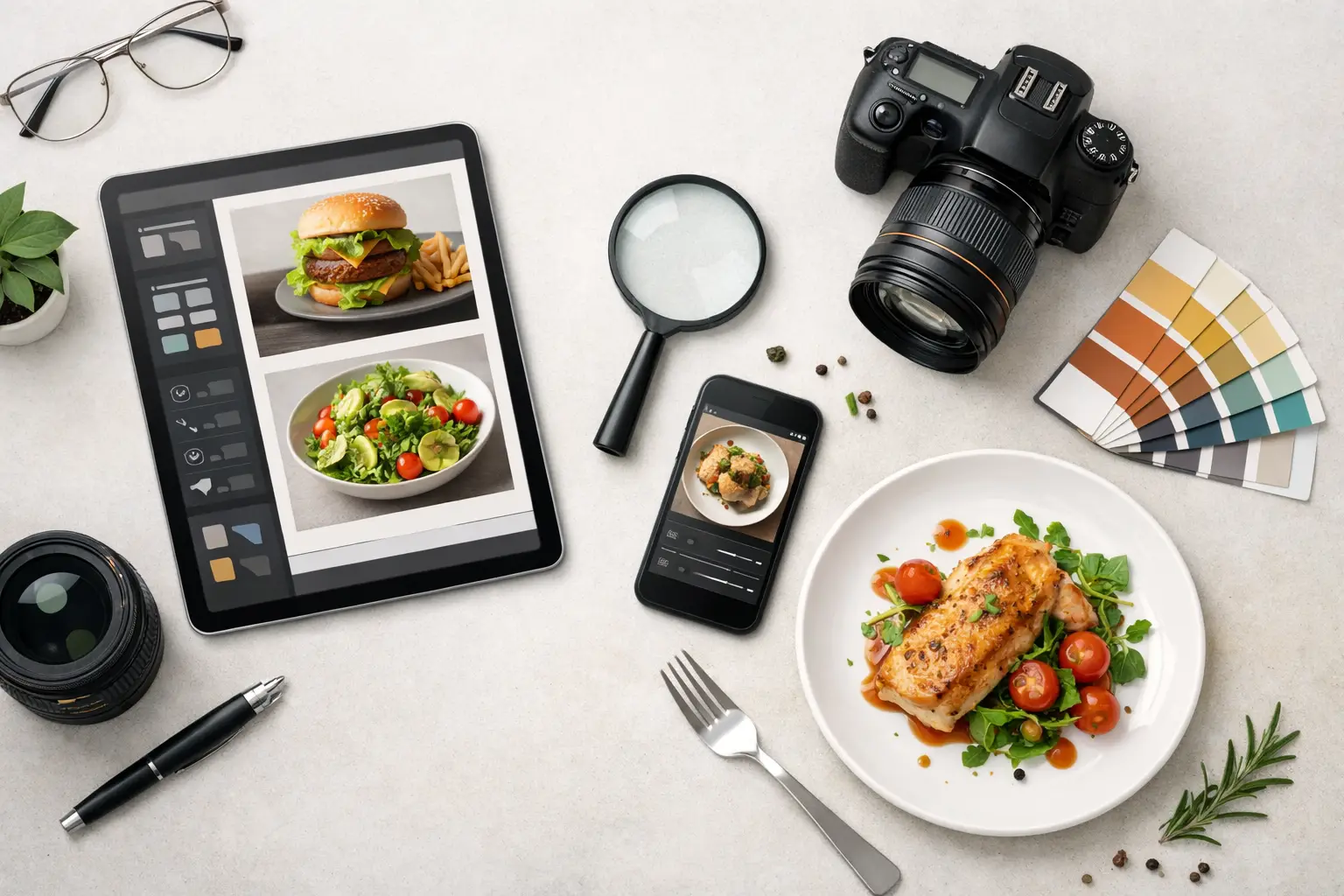
A weak menu image does more damage than most operators realize. If the photo looks flat, inconsistent, or obviously pulled from three different workflows, customers notice it fast. The best tools for menu images help you move from one-off visuals to a repeatable system - one that produces clean, appetizing, brand-consistent assets for print menus, delivery apps, digital boards, and paid social.
That matters because menu images are no longer just decorative. They affect click-through rates on ordering platforms, shape perceived quality, and often decide which item gets added to the cart. For restaurants, food brands, agencies, and marketing teams, the real question is not just which tool makes a pretty image. It is which tool fits your production volume, budget, and approval workflow.
What the best tools for menu images need to do
A menu image tool should solve a commercial problem, not create extra design work. For most teams, that means producing food visuals quickly, keeping lighting and composition consistent, and making it easy to resize assets across channels.
General-purpose design apps can help with layout, but they usually stop short when you need high-volume food-specific imagery. Traditional photo editing tools are strong if you already have raw photography, a designer, and time for retouching. AI image tools can compress the production cycle dramatically, but the results vary depending on whether the platform understands food as a category or treats it like any other subject.
The best setup often is not one tool. It is a stack. One tool generates or captures the food image, another cleans it up, and a third places it into menu-ready layouts. The right mix depends on whether you are building ten menu items once a quarter or hundreds of assets every month.
1. Food-specific AI image platforms
For many businesses, this is now the fastest path to usable menu visuals. Food-specific AI platforms are built to create images of dishes, drinks, ingredients, and plated scenes without the overhead of scheduling a shoot, sourcing props, or retouching every frame.
Their main advantage is specialization. Food is hard to render well. Grease highlights, sauce texture, steam, garnish balance, and plate styling all need to look believable and appetizing. A niche platform tuned for food content usually gets closer to production-ready output than a general image generator because the model and workflow are optimized around that visual category.
This is where a platform like Umami AI fits naturally for commercial teams. It is designed around food image generation and related visual workflows, which makes it more practical for restaurant groups, food marketers, and agencies that need output volume rather than experimentation. That focus matters when you need consistent burger variations, seasonal drink images, plated entrees, or campaign assets without rebuilding the process each time.
The trade-off is that AI generation still requires direction. If your team is vague about plating style, camera angle, props, or brand look, the first outputs may miss the mark. AI is fastest when you already know what kind of image your menu needs.
2. Adobe Photoshop
Photoshop remains one of the best tools for menu images when you already have source photography and need precision. It is still the strongest option for detailed retouching, background cleanup, color correction, and compositing.
If your restaurant has existing food photos but they were shot in inconsistent lighting or against distracting backgrounds, Photoshop can recover a lot. It also helps when menu items change slightly and you need to update an image without reshooting from scratch.
The limitation is speed at scale. Photoshop is powerful, but it is labor-intensive and best suited to teams with design skills. For single-location restaurants or lean marketing teams, it can easily become a bottleneck. It is less of a content engine and more of a finishing tool.
3. Canva
Canva is practical because it lowers the barrier to getting menu assets into usable formats. It is not the strongest image creation tool, but it is effective for placing images into flyers, tabletop inserts, digital menu screens, and social promo graphics.
For independent operators and small teams, Canva works best after the visual itself already exists. You generate or photograph the food image elsewhere, then use Canva to add pricing, labels, limited-time offer treatments, or simple branded layouts. It is fast, accessible, and easy to hand off across a team.
The downside is control. Canva is not ideal for serious image correction, and its templates can make menus look generic if used without customization. It helps with assembly, not image quality.
4. Adobe Lightroom
Lightroom is useful when your menu visuals come from real photography and the main need is batch editing. If you shoot dishes in-house or work with a photographer regularly, Lightroom can standardize exposure, warmth, contrast, and color across a large image set.
That consistency is valuable. Customers should not feel like one dish came from a polished brand shoot while another came from a phone photo near the kitchen pass. Lightroom is especially strong when you need to process large groups of files quickly and keep them visually aligned.
Its trade-off is obvious. Lightroom improves existing photos, but it does not solve the production problem if you lack good source material. It is a workflow optimizer, not a replacement for image creation.
5. Figma
Figma is not usually the first name mentioned in conversations about menu images, but it is a strong operational choice for teams that manage menus collaboratively. Agencies, franchises, and in-house creative teams often use it to organize visual systems, review layouts, and create repeatable components for pricing blocks, item cards, and promotional sections.
The value here is process control. If several people need to comment on menu designs, approve revisions, or adapt a menu across locations, Figma gives structure that basic design tools do not. It is especially useful when menus live across digital channels instead of only in print.
Still, Figma is a layout and collaboration tool first. It depends on strong images coming from somewhere else.
6. Smartphone camera systems with manual controls
This is the most overlooked option. For some businesses, the best tool is already in hand. Newer smartphones can produce solid menu images if lighting is controlled, the plating is intentional, and the operator knows how to avoid cluttered compositions.
This route makes sense for daily specials, limited-time offers, and fast-turn social-to-menu workflows. If speed matters more than perfection, a smartphone paired with a small light setup and light editing can be enough.
The trade-off is consistency. Phone images tend to drift in color, angle, and quality depending on who shoots them. They can work, but they rarely create the polished visual system that multi-location brands or serious growth-stage food businesses need.
7. Background removal and upscaling tools
These are support tools rather than primary platforms, but they matter more than teams expect. Menu images often need transparent backgrounds, clean cutouts, or size adjustments for different placements. A dish might need to appear on a kiosk screen, delivery app thumbnail, printed insert, and homepage banner.
Background removal tools save time when you want isolated dishes on white or branded backgrounds. Upscaling tools help when an older image needs to be used in a larger format. Neither replaces good source content, but both reduce rework and extend the life of existing assets.
Used well, these tools make an image library more flexible. Used poorly, they create obvious edges, soft textures, and artificial-looking results. Quality control matters.
How to choose the right tool stack
If you are a single restaurant or small operator, the most efficient stack is usually one creation tool and one layout tool. You do not need enterprise complexity. You need menu images that look sharp, consistent, and ready to publish without a week of revisions.
If you are a growing brand, agency, or multi-location group, your priority shifts to scalability. That means choosing tools based on output volume, approval flow, and repeatability. In that context, food-specific AI often becomes the production engine, while Photoshop, Canva, or Figma support final edits and deployment.
If you already invest in professional photography, editing software may still be the better core tool. But if recurring shoots are slowing down campaign launches or making seasonal updates too expensive, AI is worth considering because it changes the economics of menu production.
Where most teams get it wrong
They compare tools by feature lists instead of workflow fit. A restaurant does not need the most advanced image editor if nobody on staff can use it efficiently. An agency does not benefit from cheap lightweight apps if the output breaks under client review.
The better question is simple: can this tool help us produce better menu images faster, with fewer dependencies and more consistency? If the answer is no, it is not the right tool, even if it is popular.
Good menu visuals are now part of operations, not just branding. Choose tools that reduce friction, protect quality, and give your team a system it can actually sustain when the menu changes next week, not just when there is time for a perfect shoot.