A new seasonal bowl should not need a full studio shoot before it can appear in a paid social ad. For many operators, the real question is not whether the technology is interesting. It is: can restaurants use AI images without misleading guests, creating legal risk, or weakening their brand?
Yes. Restaurants can use AI-generated images for marketing, menu support, social content, promotions, and campaign concepts. The smartest use is practical: produce more visual options faster, protect consistency across channels, and reserve traditional photography for moments where exact product representation matters most.
The line to manage is simple. AI imagery can sell the experience of your food. It should not make a specific dish, portion, ingredient, or offer look like something a guest cannot actually receive.
Where AI Food Images Make Sense for Restaurants
AI images are especially useful when a restaurant needs volume and speed. A social manager may need fresh posts every week. A ghost kitchen may operate several brands from one location. A multi-unit operator may need localized promotions without rebuilding each campaign from scratch. In those cases, a photo shoot for every variation is slow, expensive, and often unnecessary.
Use AI visuals for brand campaigns, mood-driven social posts, email headers, website banners, holiday promotions, catering concepts, loyalty offers, and background assets. They also work well for testing creative directions before committing budget to photography, styling, printing, or paid media.
For example, a restaurant can generate several polished concepts around a spicy chicken sandwich launch: one with a clean studio look, one with a late-night diner atmosphere, and one designed for a summer patio promotion. The team can identify what fits the campaign, then build ads and social assets around the strongest direction.
AI can also help teams maintain a more consistent visual language. Instead of mixing customer photos, stock images, and one-off shoots, a brand can set a repeatable look through lighting, framing, color, props, and composition. That consistency matters when guests move from an Instagram post to an ordering page to an in-store menu board.
Where Restaurants Should Not Rely on AI Alone
The closer an image gets to a purchase decision, the more accurate it needs to be.
A hero image for a specific menu item should reflect the actual dish. If the AI version adds an extra patty, a larger portion, ingredients not included, or an unrealistic amount of garnish, guests may feel misled. That can hurt trust faster than a less polished but honest photo ever would.
Be especially careful with delivery platforms, printed menus, nutrition-related messaging, limited-time offers, alcohol promotions, and product packaging. These channels can involve platform requirements, consumer protection rules, brand approvals, or labeling standards. An image that is acceptable as a general campaign visual may not be appropriate as the primary representation of a listed item.
There is also an operational issue. AI does not know your recipe, your plating standards, or your actual inventory unless you direct it with accurate references. A generated image of a taco might look compelling while showing the wrong tortilla, protein, sauce, or side. Review is not optional.
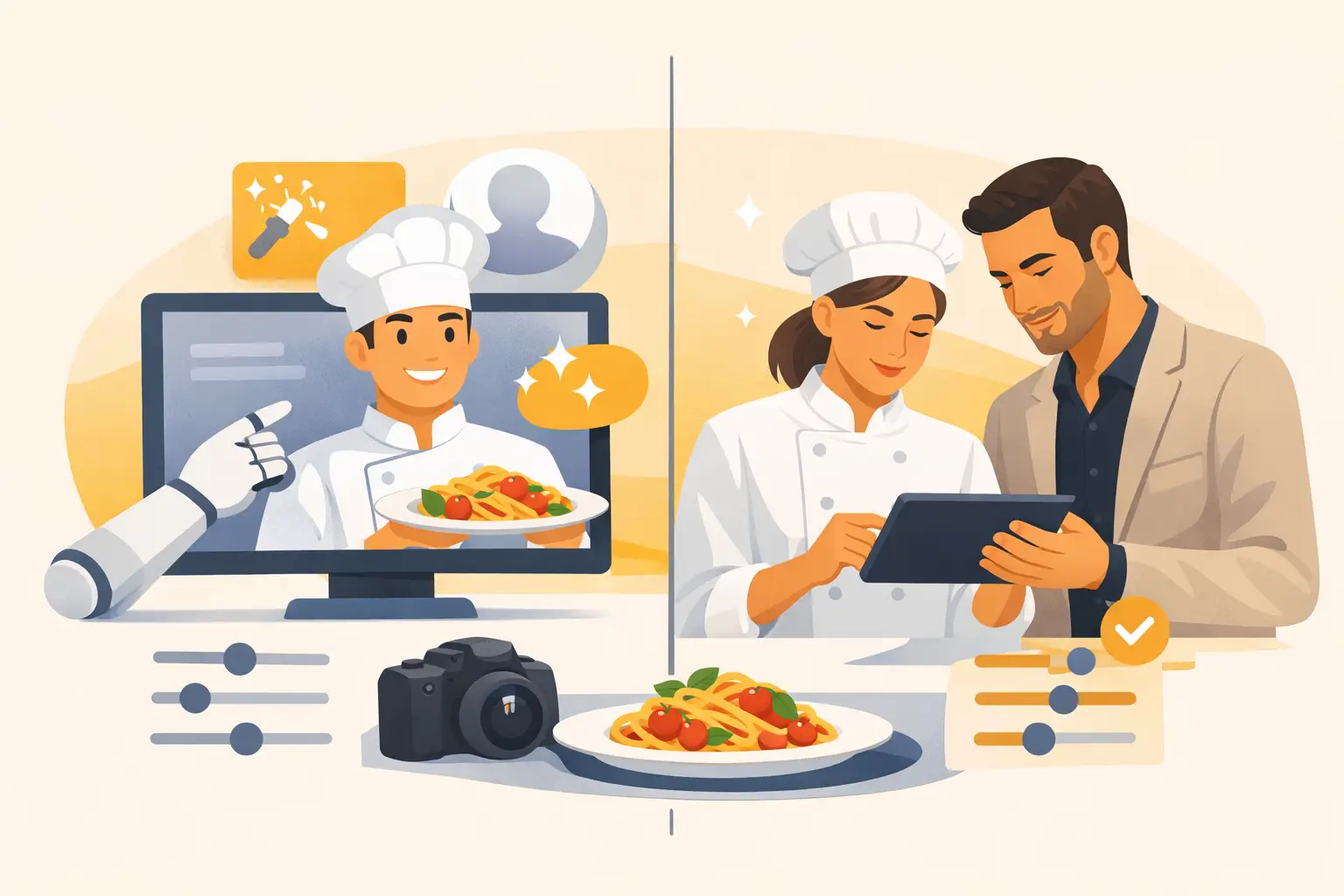
A useful rule is this: use AI for inspiration, atmosphere, and scalable marketing production. Use approved real photography, or tightly controlled AI workflows based on real references, when the image must represent an exact item guests are ordering.
Can Restaurants Use AI Images Commercially?
They can, but commercial use depends on the tool, plan, inputs, and campaign purpose. Restaurant teams should not assume every AI output is cleared for every use simply because it was generated in an app.
Before publishing, confirm that your platform permits commercial use under your subscription or credit plan. Keep records of the prompts, source assets, and final approved files for higher-stakes campaigns. If your workflow includes logos, package designs, photography, or artwork supplied by another party, make sure your business has permission to use those materials as inputs.
Avoid asking AI to recreate another restaurant's recognizable look, a competitor's product photo, a celebrity, a copyrighted character, or a living artist's signature style. The fast path is not always the safe path. Build from your own brand references and your own creative direction instead.
For restaurants working with agencies, clarify ownership and usage rights before production begins. Decide who can reuse the generated assets, whether edits are permitted, and whether the agency is responsible for securing approvals. This is a small conversation that prevents a large amount of confusion later.
Build a Workflow That Keeps Food Visuals Accurate
The best AI food content is not generated once and posted immediately. It moves through a lightweight approval process, just like any other commercial creative.
Start with a clear brief. Define the item or campaign, audience, channel, offer, format, and desired action. Include the visual details that matter: bowl shape, bun type, garnish, beverage color, packaging, table setting, and brand color palette. Specific inputs create more usable outputs and reduce revision time.
Next, use real references whenever product accuracy matters. A few approved photos of the actual dish can guide composition and styling. This is more reliable than expecting a general image model to infer your recipe from a text description.
Then review each image against the operational reality. Ask whether the food looks like your food, whether the portion is believable, whether any ingredients are inaccurate, and whether the visual supports the actual offer. Check small details too. AI can create odd utensils, unreadable packaging text, duplicate toppings, distorted hands, or impossible glassware.
Finally, export versions for the channels that need them. A vertical image for stories, a square image for social feeds, a wide banner for an ordering page, and a clean crop for email do not have to be separate productions. They can be planned as one content set.
A practical approval checklist
For paid ads, menu-facing visuals, and high-visibility campaigns, review four areas before publishing:
- Product accuracy: Does the image match the dish, offer, and portion a guest will receive?
- Brand fit: Do the lighting, styling, props, colors, and packaging align with your standards?
- Rights and policy: Does your plan support commercial use, and does the image avoid protected third-party material?
- Channel fit: Does the asset meet the format, platform, and disclosure requirements for where it will run?
This does not need to become a slow committee process. A brand owner, marketing lead, and operations reviewer can usually approve a campaign quickly when the standards are defined upfront.
AI Images vs. Traditional Food Photography
AI is not a replacement for every food shoot. It is a production option with different strengths.
Traditional photography remains valuable for flagship menu items, packaging, investor materials, press kits, product launches, and any campaign where precise visual proof matters. It captures the real dish, real team, real location, and real product details. It is also the better choice when your differentiator is something tangible, such as handmade plating, a distinctive dining room, or a chef-led presentation.
AI wins when the need is speed, scale, variation, or experimentation. It can generate many creative routes without booking talent, buying props, coordinating a studio, or waiting for post-production. That makes it particularly useful for ongoing social calendars and promotional campaigns where content demand is constant.
The strongest restaurant marketing teams use both. They create a reliable library of real, approved product photography, then extend that library with AI-generated campaign assets, alternate compositions, seasonal environments, and social-first creative. The result is more output without treating every post like a major production.
How to Keep AI Food Content On-Brand
Generic prompts create generic food images. If your brand is premium, playful, fast-casual, health-focused, or late-night, the visual system needs to reflect it consistently.
Create a short internal style guide for AI production. Define preferred camera angles, lighting direction, background materials, prop limits, color palette, crop ratios, and the amount of food styling that feels believable for your brand. A pizza brand may want overhead shots with energetic shareable moments. A fine-dining concept may prefer restrained plating, negative space, and editorial lighting.
Save prompts and settings that deliver approved results. Over time, this becomes a reusable production system rather than a collection of isolated experiments. Teams can generate faster because they are not starting from zero for each campaign.
Food-focused tools such as Umami AI can make this workflow more efficient by concentrating image creation, composition, and animation around the visual details food businesses need. The goal is not to generate more images for their own sake. It is to create usable assets that move from concept to campaign with fewer production bottlenecks.
The Bottom Line for Restaurant Teams
Restaurants can use AI images effectively when they treat them as commercial creative, not as unreviewed decoration. Match the tool to the job: use it to scale campaign content and explore ideas, while protecting accuracy wherever guests are making a direct ordering decision.
Start with one controlled use case, such as a seasonal social campaign or a set of email header visuals. Set your approval standards, compare the output against your existing photography costs and turnaround times, and build from what works. When the visual system is clear, AI becomes less of a gamble and more of a practical part of your content operation.