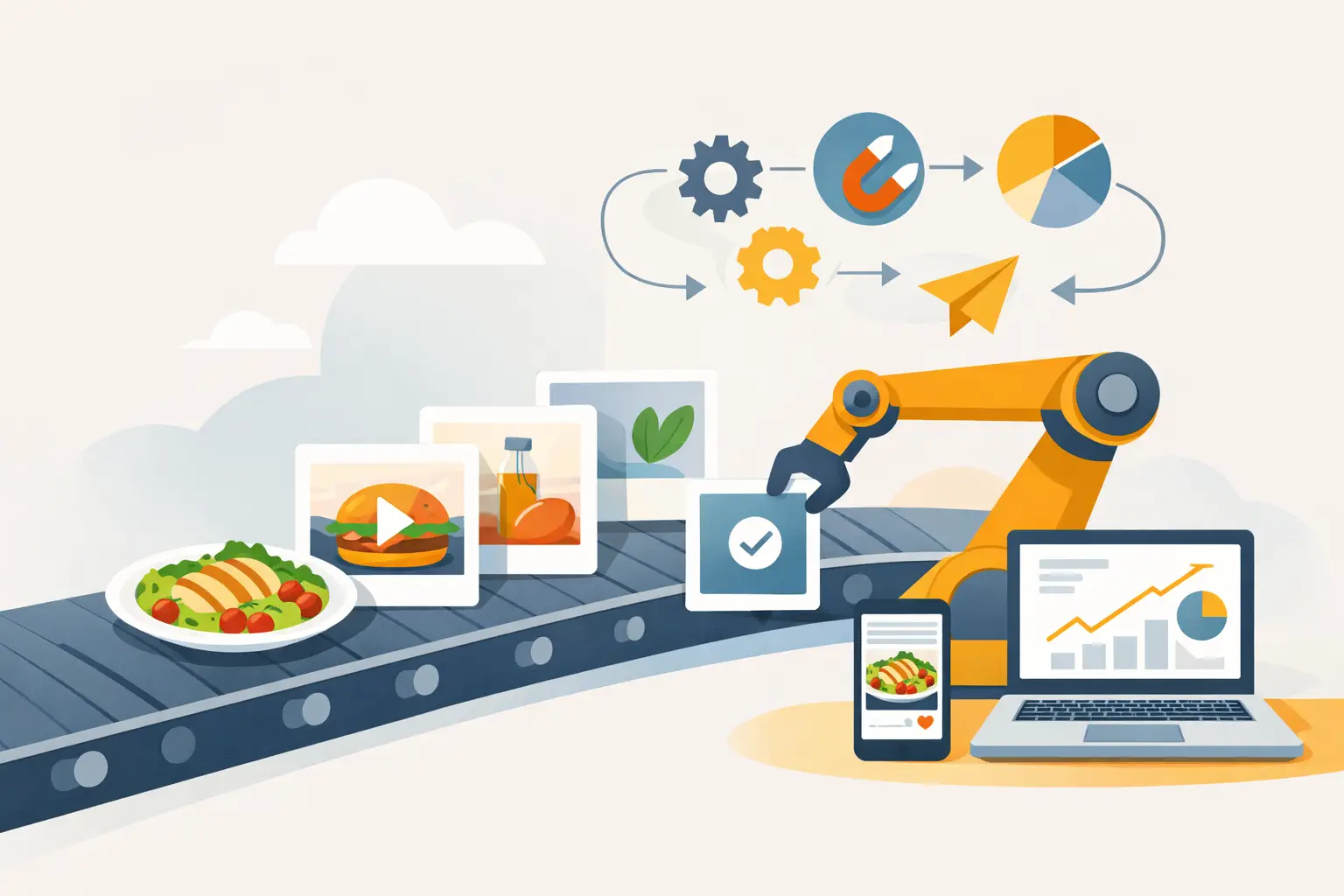
A seasonal menu launch can create dozens of content requests at once: delivery app images, paid social variations, email banners, menu boards, product pages, and creator briefs. Food marketing automation gives teams a way to turn that rush into a repeatable production system instead of a last-minute scramble.
For restaurants, food brands, ghost kitchens, and agencies, the point is not to automate every marketing decision. The point is to remove the repetitive work that slows campaigns down: resizing assets, adapting offers, routing approvals, scheduling posts, and recreating visuals for each channel. When those steps are connected, a small team can keep more products visible, more often.
What food marketing automation should handle
Food marketing automation works best when it is built around recurring commercial tasks, not vague promises of efficiency. Most food businesses have predictable moments that need content: weekly specials, product drops, holidays, limited-time offers, catering pushes, loyalty messages, and menu updates. Those moments can trigger a defined workflow.
A practical system begins with a content source of truth. This might include approved product names, prices, ingredients, claims, visual guidelines, campaign dates, and audience segments. From there, marketing tools and production workflows can create channel-ready outputs without forcing the team to start at a blank canvas every time.
The highest-value automation usually covers four areas:
- Asset production, including food images, short videos, crops, backgrounds, and format variations.
- Campaign assembly, such as matching a product visual to approved offer copy, a promotion period, and a channel template.
- Review and approval, with clear owners for brand, legal, operations, or franchise checks.
- Publishing and measurement, including scheduling, audience triggers, performance reporting, and reuse decisions.
Not every business needs all four on day one. A single-location restaurant may get the fastest return from consistent social and email creative. A packaged food brand selling through multiple retailers may need product asset governance and approval routing first. The right setup depends on where the content bottleneck actually sits.
Start with the content bottleneck, not the software stack
Marketing teams often buy automation tools before they map the work. That creates a polished system around a messy process. Before choosing platforms or integrations, track one recent campaign from brief to publish. Note every handoff, approval delay, repeated request, and manual export.
Food content has a few friction points that general marketing workflows can miss. A product needs to look appetizing, but it also needs to be accurate. Packaging, portion size, dietary callouts, garnish, and ingredient representation may all matter. A beautiful image that shows the wrong topping or outdated package can create operational problems rather than solve them.
Build a simple campaign brief that captures the details creative teams need before production begins. Include the featured item, target audience, channels, offer terms, visual direction, required dimensions, launch date, and restrictions. This makes automation more useful because every generated or adapted asset starts from a controlled input.
For visual production, define reusable directions rather than relying on one-off prompts. A pizza brand may standardize lighting, camera angle, surface styling, brand colors, and negative space for text. A beverage brand may need separate visual recipes for ecommerce, paid social, and seasonal lifestyle content. The goal is consistency with enough flexibility for the campaign to feel current.
Specialized tools such as Umami AI can fit into this stage by helping teams generate commercial food visuals and variations without scheduling a full shoot for every new promotion. That is especially useful when a campaign needs multiple concepts, crops, or seasonal adaptations quickly. It does not remove the need for a brand review. It reduces the production time between a clear brief and usable creative.
Build workflows around real campaign triggers
The strongest automation is event-based. It responds when something changes in the business, not just when someone remembers to open a spreadsheet.
A restaurant can trigger a campaign workflow when a new limited-time item is approved. The system can create an asset request, apply the launch date, pull approved menu language, assign a reviewer, and prepare a publishing checklist. A food ecommerce team can use an inventory threshold to pause promotion for a low-stock SKU or shift spend toward a product that can ship immediately.
Lifecycle marketing has similar opportunities. A first purchase can trigger a welcome sequence featuring complementary products. A customer who repeatedly buys a specific meal category can receive relevant offers rather than a generic discount. A loyalty member who has not ordered recently may need a different message than a new subscriber who has never converted.
Automation should not mean sending more messages by default. Food audiences are sensitive to frequency, timing, and relevance. A daily promotion may work for a commuter breakfast concept, while it can feel excessive for a premium pantry brand. Set frequency limits and suppress customers who have already purchased the promoted item or opted out of a category.
Keep humans in the approval loop
Food marketing has consequences beyond engagement rates. Nutrition claims, alcohol marketing, allergen language, pricing, regional availability, and delivery restrictions need review. Even a basic social post can become risky if it implies a product is available everywhere when it is not.
Use approval stages based on risk. Evergreen social assets may only need a marketing lead. A packaging update or nationwide promotion may require brand, legal, operations, and retail review. The workflow should show who owns the next decision and prevent unapproved creative from reaching a publishing queue.
This is also where asset naming and version control matter. Teams need to know whether they are using the current package design, the approved summer offer, and the correct price for a market. A simple convention with product, campaign, channel, date, and version can prevent expensive mistakes.
Measure production speed and commercial impact
A faster workflow is useful only if it produces work that performs. Track both operational and marketing metrics so the team can see whether automation is reducing effort while improving outcomes.
Operational measures include time from brief to approved asset, number of assets produced per campaign, revision rounds, cost per usable creative, and percentage of content reused across channels. Commercial measures may include click-through rate, conversion rate, average order value, repeat purchase rate, redemption rate, and revenue from promoted products.
Creative performance needs context. If one image earns more clicks but drives lower conversion because the offer is unclear, it is not necessarily the better asset. Compare visual treatments against the same audience, offer, placement, and campaign window when possible. Then save the winning patterns as reusable guidance for future production.
Do not automate reports just to create more dashboards. Build a short weekly view that answers practical questions: Which campaigns moved product? Which assets were slow to approve? Which channel needed more visual variations? Which product categories deserve another test?
Where automation can go wrong
The most common failure is treating automation as a substitute for a clear brand system. If product information is unreliable or visual standards are undefined, automation simply produces inconsistent output faster.
Another risk is overpersonalization without enough data discipline. Using order history can make recommendations more relevant, but audiences should understand what they signed up for, and teams should protect customer data accordingly. Keep segmentation useful and proportional to the relationship.
Finally, avoid building a workflow so complex that only one person understands it. Document triggers, owners, templates, approval rules, and fallback steps. A campaign system should help a team move faster during a busy launch, not create a dependency on a fragile set of hidden rules.
Start with one high-frequency campaign type, such as weekly specials or product launches. Standardize the brief, create a repeatable visual workflow, automate the handoffs, and measure the result for a month. Once that process runs cleanly, expand it. The most effective food marketing automation is not the system with the most features. It is the one that keeps your best products visible while your team stays focused on the next opportunity.