A static hero image can sell the dish. A three-second clip of steam lifting from the bowl, sauce catching the light, or a can turning toward camera can stop a scroll. Knowing how to animate product shots gives food brands a faster way to turn one visual concept into usable content for ads, product pages, menus, and social campaigns.
The goal is not motion for its own sake. Food animation works when it makes texture, temperature, freshness, or a product benefit easier to see. Start with a clear commercial job, then choose the smallest amount of movement that delivers it.
How to Animate Product Shots Without Losing Focus
Most effective product animation has one visual priority. It may be the crisp crust of a pizza, condensation on a cold beverage, a cheese pull, or packaging that needs to remain readable. If every element moves at once, the product becomes harder to process and the clip can look synthetic or overproduced.
Before creating anything, decide what the viewer should notice in the first second. For a restaurant promotion, that may be a tight food detail that triggers appetite. For a packaged item, it may be the label, flavor callout, or the product’s size and finish. This decision should control the framing, movement, and final crop.
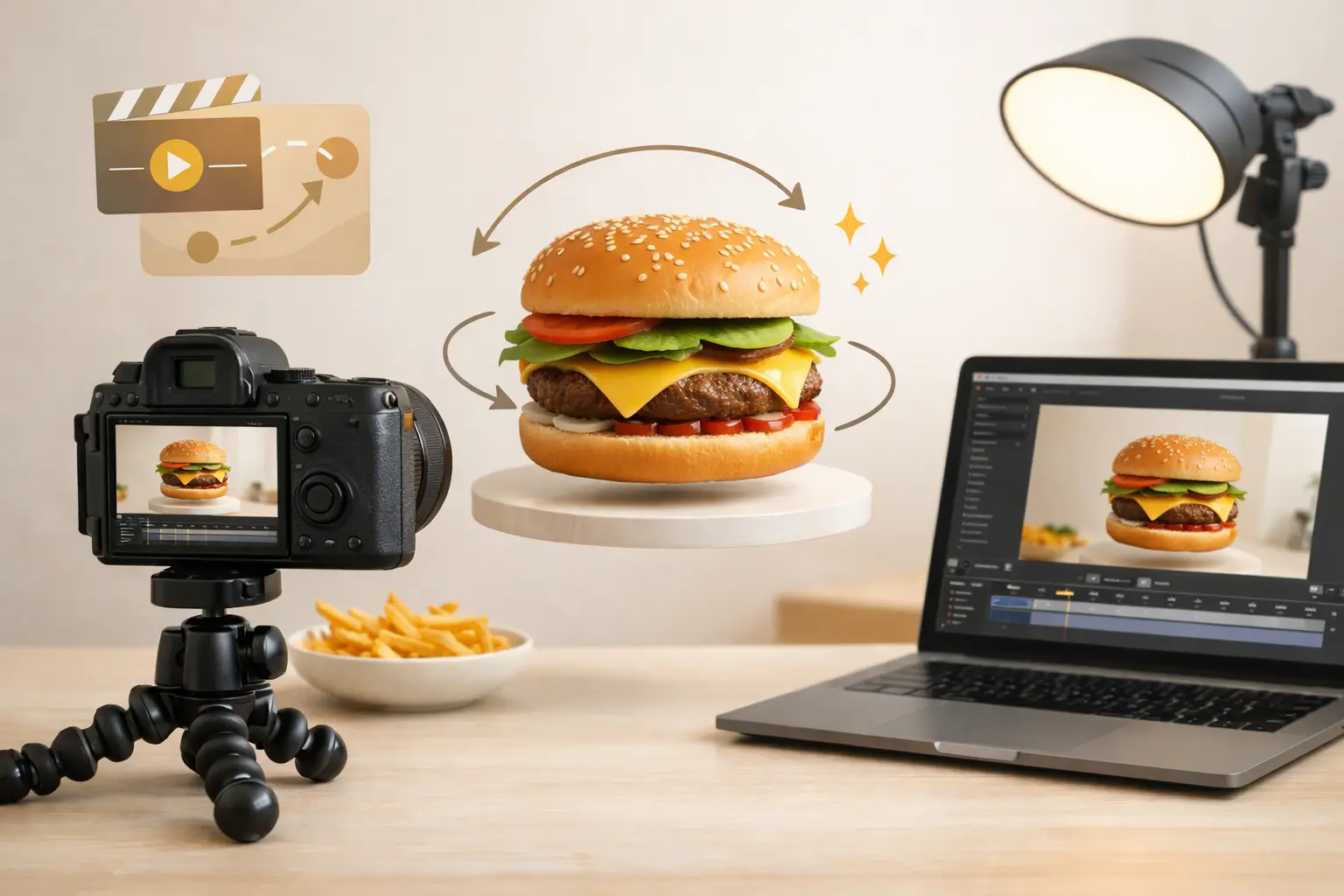
Animation is especially useful when a still image already has a strong composition but needs more energy. A slow push toward a plated dish can make it feel more immediate. A subtle camera orbit can show the depth of a burger or layered dessert. Small ingredient movement can give a flat scene a sense of freshness without changing the core product presentation.
Start With a Shot Built for Motion
A good animation starts before the motion is added. Use a clean product image with enough space around the subject for the camera to move or the scene to breathe. If the frame is already crowded, zooming, panning, or adding environmental effects will usually make it feel cramped.
Keep the product sharp and visually dominant. Background props should support the category without competing with the hero item. A taco may benefit from lime, cilantro, and a textured surface, but the tortilla, filling, and brand packaging need to stay central. For beverages, leave room for condensation, a pour, or a slow rotation while making sure the label remains visible.
Lighting matters just as much in animation as it does in still photography. Define a clear light direction before generating or animating the scene. Highlights on a glossy sauce or beverage can look compelling when they move predictably. Inconsistent lighting, on the other hand, can make a product appear to warp from frame to frame.
Protect brand-critical details
Packaging, logos, typography, and exact product shapes require more control than a lifestyle food shot. If a label must be accurate, avoid aggressive camera moves, fast spins, or effects that cross in front of the pack. A minimal push-in, gentle rotation, or moving light reflection is often the safer choice.
For unbranded social content, you can be more expressive. A spoon lifting, crumbs falling, steam rising, or sauce pouring can create a stronger sensory effect. The trade-off is consistency. The more complex the action, the more closely the output needs to be reviewed for distorted ingredients, unexpected object changes, or impossible movement.
Choose Motion That Matches the Product
Food does not need cinematic action to look premium. In many commercial uses, restrained motion performs better because it gives viewers time to understand what they are seeing. Match the movement to the product’s physical cues and the placement where the asset will run.
A slow camera push works well for plated meals, desserts, and close-up texture shots. It creates depth and directs attention without asking the scene to perform a complicated action. A short orbit can work for packaged snacks, bottles, or cans when the goal is to show dimension. For a hero beverage visual, condensation, bubbles, a slight liquid movement, or a controlled pour can communicate coldness and refreshment.
Use ingredient motion when it supports appetite. Steam fits hot soups, pasta, grilled proteins, and baked goods. A cheese stretch works when it is believable and brief. Falling herbs, salt, crumbs, or a sauce drizzle can add energy to a food ad, but they should not cover the item or obscure a key claim.
Avoid generic movement that does not communicate anything. Random floating props, rapid zooms, and overly dramatic camera swings may earn attention, but they can weaken trust in a product-focused ad. The best animation makes the viewer feel closer to the food, not more aware of the effect.
Build Prompts Around One Action
When using AI animation, describe one main camera action and one main environmental or food action. That structure gives the model a clear priority and makes it easier to compare versions.
Instead of asking for a product to rotate while ingredients fly, steam rises, sauce pours, and the camera zooms, choose a primary sequence. For example: “Slow camera push toward a bowl of ramen as steam rises naturally.” Or: “A chilled sparkling water can rotates slightly on a wet surface, with subtle condensation movement.” The second action should remain supportive.
Be specific about pace and direction. Terms such as slow push-in, gentle left-to-right pan, subtle orbit, locked camera, or overhead drift create more usable guidance than simply asking for a dynamic video. Include visual constraints when needed: preserve packaging shape, keep the label readable, maintain the food arrangement, or use natural liquid movement.
Umami AI can help food teams create and animate concepts within a food-specific visual workflow, reducing the gap between a campaign idea and a testable short-form asset. The practical advantage is iteration: produce several controlled motion options, select the strongest one, and adapt it to each placement.
Keep Clips Short and Loop-Friendly
For paid social and organic feeds, a short clip often has more value than a longer sequence. Aim for a moment that communicates quickly, especially when the animation will appear in a feed where the first frame does most of the work.
A duration of three to six seconds is often enough for a product reveal, slow camera move, or food detail. Longer clips can make sense for website headers, recipe content, or connected story sequences, but they need a reason to hold attention. If the motion repeats cleanly, the asset can feel more polished and gain more viewing time without requiring a longer production.
Think about the ending while planning the opening. A loop works when the final frame is close enough to the first frame that the reset is not distracting. Subtle steam, gentle reflections, moving bubbles, or a minor camera drift are easier to loop than a completed pour or a hand entering and leaving the scene.
Format for the Channel Before You Animate
The same product shot rarely works equally well in every crop. Vertical video favors a centered hero item, visible top-to-bottom detail, and enough negative space for on-screen copy. Square formats are useful for feeds and product grids, while wide formats can support homepage banners, digital menu boards, and display placements.
Plan the safe area before creating motion. A bottle near the edge may look good in a wide layout but disappear behind interface elements in a vertical placement. If text, pricing, or a promotional badge will be added later, keep that section of the frame quiet. Do not place visual motion where the copy needs to sit.
Create a core shot, then produce channel-specific variations instead of forcing one crop everywhere. This is usually more efficient than repairing a poorly framed asset after animation. For a campaign with multiple offers, keep the lighting, surface, and camera language consistent so the individual clips still look like one brand system.
Review for Commercial Readiness
Before publishing, review the clip at full size and at the size customers will actually see. Tiny issues can disappear on a desktop preview but become obvious in a vertical ad or product listing. Check whether the food holds its shape, the packaging remains accurate, and the main subject stays readable throughout the motion.
Also review the opening frame without sound. Many viewers will see it silently and briefly. If the product, offer, or intended mood is unclear before the movement begins, improve the composition rather than relying on the animation to explain it.
Finally, test variations against the job the asset needs to do. A close crop with strong texture may be the best choice for a restaurant’s social post. A slower, cleaner pack shot may be better for an e-commerce product page. One approach is not universally better - the right animation depends on whether appetite, recognition, or product clarity is the priority.
The most useful product animation is usually the one that feels almost effortless: a focused shot, a believable moment of motion, and a product customers can recognize immediately.