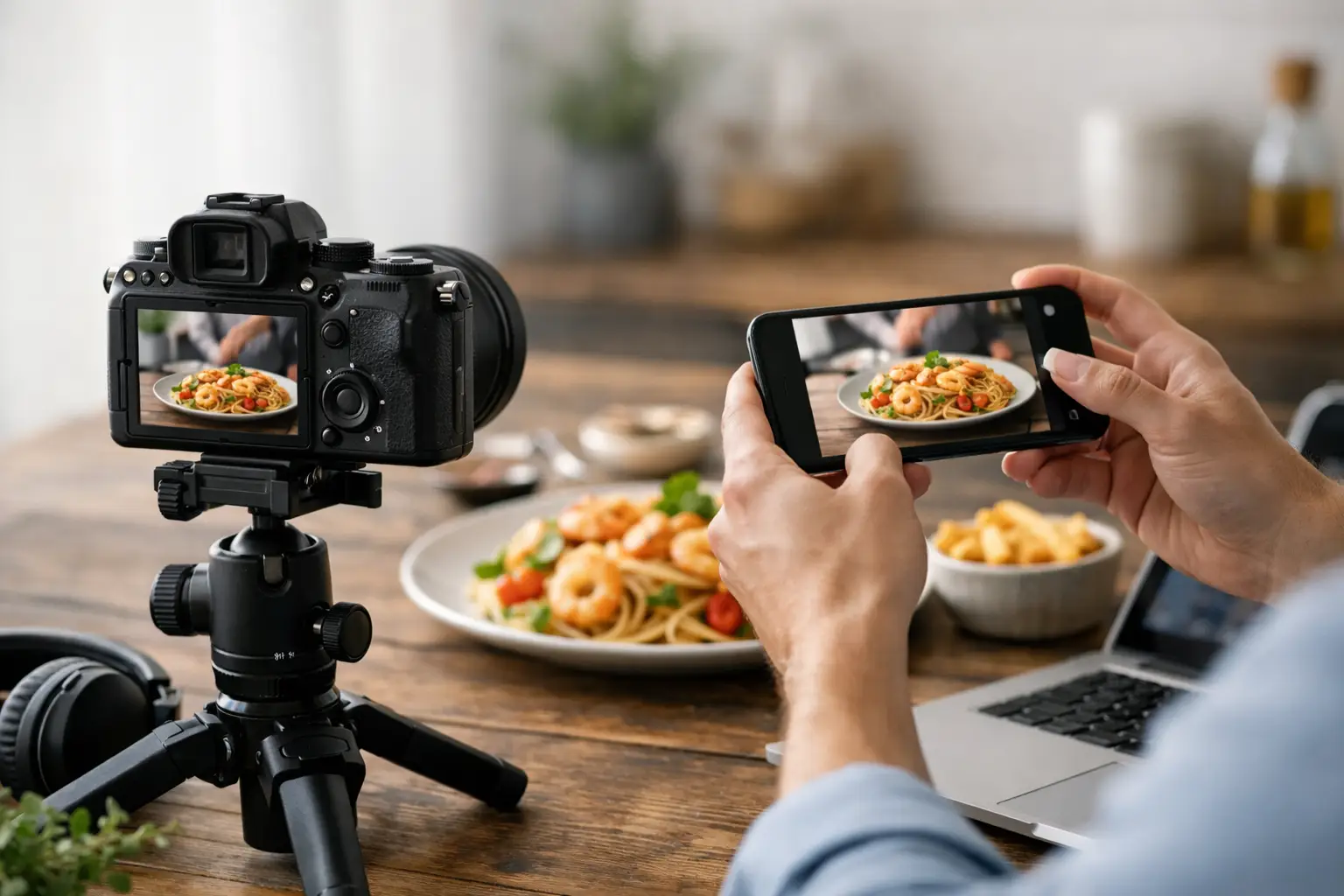
A static burger shot might look great on a menu, but it is the cheese pull, steam lift, and sauce drip that gets the click. If you are figuring out how to create ai food video for campaigns, product launches, or daily social content, the real job is not just making motion. It is producing food visuals that look appetizing, on-brand, and usable at commercial speed.
That changes the workflow.
Generic AI video tools can produce motion, but food is less forgiving than most categories. Texture matters. Melt matters. Crumb structure matters. If the bun shape shifts between frames or the garnish turns into visual noise, the asset stops being usable fast. For food businesses and marketing teams, the goal is not novelty. It is repeatable output that can support ads, website banners, menu boards, and short-form social without organizing another shoot.
How to create AI food video with a commercial workflow
The fastest way to get good results is to treat AI food video like a production system, not a one-off prompt. Start with a clear use case. A looping hero video for a website needs a different setup than a 9:16 paid social ad or a product teaser for a CPG launch. Before you generate anything, define the format, duration, and platform so your prompts and source visuals are working toward the same output.
Next, lock the product. This is where many teams waste credits and time. If your pizza changes diameter between shots or the topping layout keeps drifting, the video will look synthetic even if the animation itself is smooth. Start from a strong food image or image set with a consistent composition, lighting direction, plating style, and color balance. Motion performs better when the base frame already looks like a finished campaign asset.
Then decide what should move. In food content, small motion usually works better than full-scene chaos. Steam rising from ramen, chocolate pouring over cake, sparkling condensation on a canned drink, or a fork lifting pasta are all high-value motions because they reinforce appetite appeal. Camera movement can help too, but subtle push-ins and gentle pans tend to outperform dramatic moves unless you are deliberately making a high-energy ad.
That is the practical core of how to create ai food video that looks professional: stable subject, intentional motion, and output specs tied to the channel where the asset will run.
Start with the right source visual
AI video quality is often decided before animation begins. If the source image is weak, the motion will only make the flaws more obvious. For food, a usable source visual needs clear focal hierarchy. The hero item should dominate the frame, backgrounds should support rather than compete, and styling details should be clean enough to survive motion.
Lighting is especially important. Soft directional light tends to preserve texture in bread, frosting, grilled surfaces, and sauces. Overly flat lighting can make food look plastic once animated, while extreme contrast can create flicker or strange transitions in reflective surfaces. If your brand already has a visual system, keep that system intact. AI video should extend your campaign language, not reset it.
Consistency also matters across batches. If you need multiple clips for a product line, build from a repeatable composition framework. That could mean a similar camera angle for every drink SKU, the same negative space for text overlays, or a fixed plating layout for each menu item. Scalable content production depends on predictable inputs.
Prompt for appetite, not just action
A lot of prompts fail because they focus only on movement. Motion is only half the brief. Food video needs to preserve appetizing detail while introducing believable animation.
A stronger prompt usually combines four layers: the subject, the visual style, the action, and the camera behavior. For example, instead of asking for a burger to move, define the burger build, the surface details, the mood, and the exact type of motion. Specify sesame seed bun texture, glossy melted cheddar, fresh lettuce, shallow depth of field, warm studio lighting, and a slow cinematic push-in with subtle steam. That gives the model better guardrails.
What you should not do is stack too many dramatic actions into one clip. A taco rotating, exploding with ingredients, zooming toward camera, and changing backgrounds mid-shot may sound impressive, but it usually reduces realism. In commercial food work, fewer variables tend to produce cleaner footage.
Prompting also depends on the format. For paid social, punchier movement and tighter framing often work well because the first second matters. For website headers or digital menu loops, smoother and calmer motion is usually more usable because it can repeat without becoming distracting.
Use short clips and build variations
If you want reliable output, keep your video generations short. Short clips are easier to control, easier to review, and easier to repurpose. A three- to six-second food loop can cover a lot of ground in performance creative, landing pages, product showcases, and menu displays.
This is also where a credit-based workflow becomes practical. Instead of trying to force one perfect long-form generation, create a set of focused variations from the same source image or concept. Test one version with steam, one with a slow zoom, one with sauce drizzle, and one with a cleaner static hero motion. You are not just generating content. You are building optionality for the campaign.
For teams producing at volume, variation is the advantage. A restaurant group can create different motion treatments for lunch specials, seasonal items, and location-specific offers without rebuilding the entire visual system. A beverage brand can maintain one product look while changing backgrounds, atmosphere, or motion style per campaign.
Match aspect ratio to the job
This sounds basic, but it affects output quality more than many users expect. If you know the final asset is for TikTok, Reels, or Shorts, generate with vertical framing in mind from the start. If the clip is for a website hero, email banner, or digital signage, composition needs to account for those dimensions.
Trying to crop a horizontal food clip into vertical after the fact often cuts off the best part of the motion. The same goes for trying to force a vertical composition into a wide banner. Food visuals are detail-sensitive, so framing mistakes are expensive. They cost time, credits, and often the appetite appeal that made the asset work in the first place.
Commercial teams should think like production managers here. Build the asset for placement, not just aesthetics.
Watch for the failure points specific to food
Food content has a few recurring AI problems. Surface textures can shimmer unnaturally. Liquids can deform. Garnishes may appear or disappear between frames. Product proportions can drift, especially in layered items like sandwiches, cakes, and stacked breakfast plates. None of these issues are minor if the video is meant to represent a real menu item or package.
The fix is usually not more complexity. It is tighter control. Reduce scene elements, simplify movement, use stronger source imagery, and keep the product as the clear subject. If you are generating branded food content, realism should beat spectacle most of the time.
It also helps to review clips with actual business use in mind. Ask whether the asset would hold up in an ad, on a menu board, or next to a buy button. If the answer is no, it does not matter that the animation looked interesting in isolation.
Build a repeatable system, not just a good clip
The teams that get the most value from AI food video usually standardize the process. They define prompt patterns by product category, establish approved visual directions, and map output sizes to their channels. That reduces revision cycles and makes content generation easier to delegate across marketing or creative teams.
This is where a food-specific platform has an operational advantage over a general AI tool. When the workflows, visual controls, and output expectations are built around food content, you spend less time fighting the model and more time producing usable assets. For brands that need regular menu updates, ad creative refreshes, or e-commerce visuals, that difference adds up quickly. Platforms like Umami AI are built for exactly that kind of production logic.
If you are still early in the process, start smaller than you think. Pick one product, one campaign goal, and one motion style. Generate a handful of short clips, compare what actually looks edible and brand-ready, and build from there. The best AI food video workflow is rarely the most complex one. It is the one your team can repeat next week, next month, and across the next 50 assets without losing quality.
The useful question is not whether AI can animate food. It can. The better question is whether your workflow can turn that capability into fast, consistent content your business can actually publish.