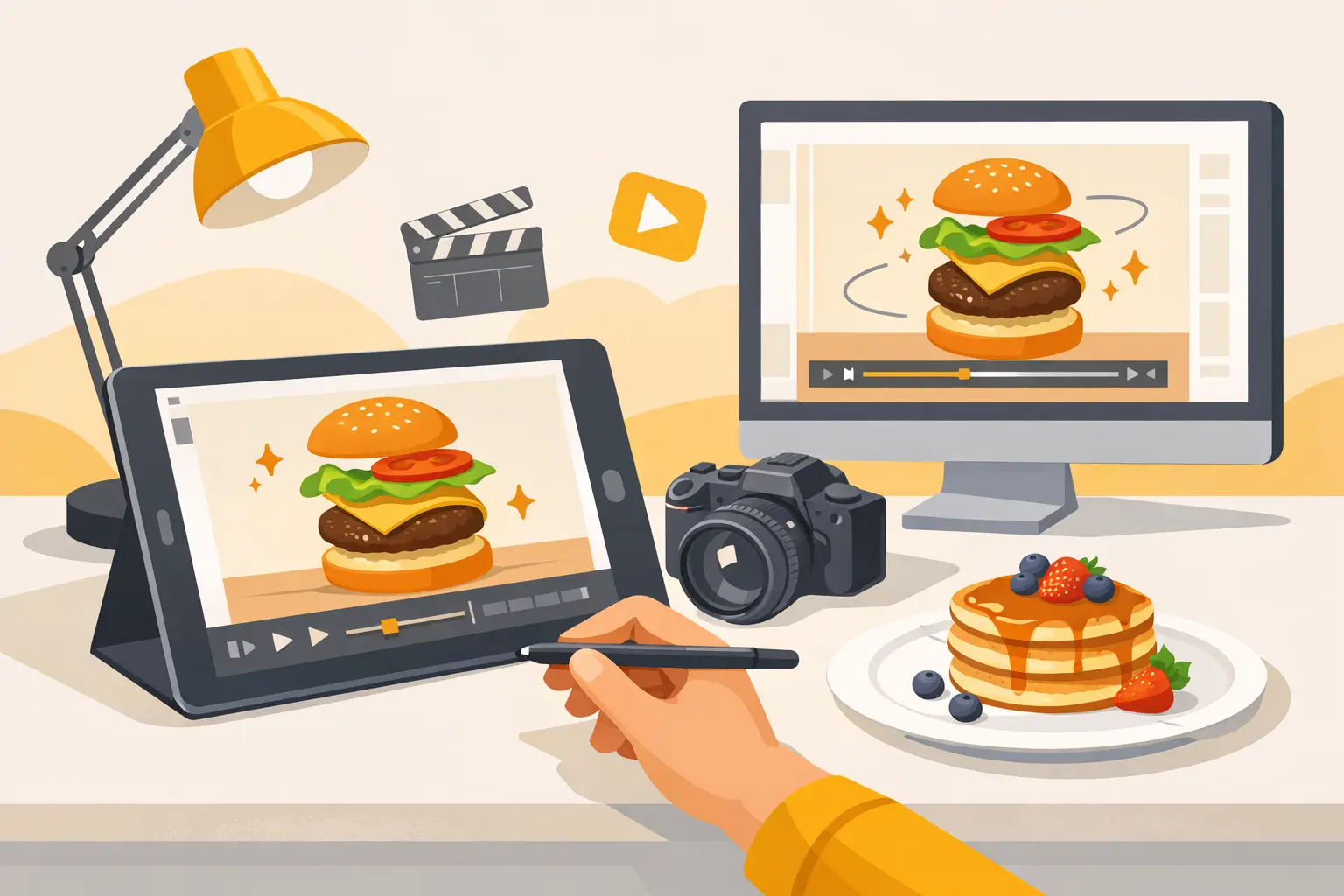
A dripping sauce, a rising curl of steam, or a spoon breaking through a dessert can make a static food post feel instantly more valuable. Knowing how to make food animations gives food brands a practical way to create attention-grabbing campaign assets without scheduling a full studio shoot every time the menu, promotion, or season changes.
For restaurants, CPG brands, delivery concepts, and agency teams, the goal is not animation for its own sake. It is making food look fresh, textured, and worth ordering in the few seconds a customer gives a feed, product page, or digital menu. The strongest food animations are usually simple, controlled, and built around one appetizing moment.
Start with a motion concept, not an effect
Food animation works when the movement supports the product. A random zoom or fast transition may add activity, but it will not necessarily make a dish more desirable. Before creating anything, decide what physical quality should come through on screen: heat, crunch, melt, pour, stretch, fizz, freshness, or abundance.
A burger may need a slow push-in that emphasizes height and texture. A pasta dish may benefit from a fork lift that shows sauce coating the noodles. A beverage can use rising bubbles, condensation, or a clean liquid pour. Each idea gives the animation a clear visual job.
Keep the action focused. Short-form food content often performs best when one product, one camera angle, and one movement are doing the work. Trying to show a full recipe, multiple dishes, a logo reveal, and animated text in a five-second clip usually weakens the food itself.
Choose the right animation type
There are three practical approaches, and the right one depends on your source material, budget, and turnaround time.
Image-to-video animation starts with a strong food image and adds believable motion. This is useful when you need campaign variations quickly, want to extend an existing product image, or do not have fresh video footage. Good use cases include steam drifting from a bowl, a camera move over a plated entrée, a sauce drizzle, or subtle motion in garnish and background elements.
Motion from filmed footage uses real video captured in-house or on set. It provides the most control over brand-specific products and packaging, especially when labels, exact portion sizes, or regulated claims need to remain accurate. It also requires more preparation, lighting, editing time, and retakes.
Designed motion graphics layers animated type, ingredients, graphic shapes, or offer details over food visuals. This is effective for promotions, product launches, and paid ads, but the graphics should frame the food rather than cover it.
For many high-volume marketing teams, image-to-video is the efficient middle ground. It turns a planned food image library into more placements without multiplying production days.
Build the food image for movement
Animation quality begins before the first frame moves. A weak source image will not become a convincing food video just because motion is added. Prioritize a clear hero subject, controlled lighting, and a composition with enough room for movement.
Use a high-resolution image with sharp detail on the food. Texture matters: crisp fried edges, glossy sauces, crumb structure, grill marks, frost, and condensation all give the model visual information to work with. If the dish is soft, flatly lit, or visually crowded, motion can make the result feel less believable rather than more appetizing.
Leave intentional negative space when possible. A centered plate with no room around it limits camera movement and makes crops harder to adapt for vertical placements. For social-first content, create the hero image with a vertical frame in mind, even if you also need square or landscape outputs later.
Be precise with commercially important details. If a product has a recognizable package, label, logo, or ingredient claim, review every generated frame carefully. AI motion can alter small text, duplicate toppings, or change product geometry. For branded packaging, a real product shot or a composited final frame may be the safer choice.
Write prompts like a shot direction
When using AI animation, vague prompts produce vague movement. Describe the camera, the action, the pace, and what needs to stay stable. Treat the prompt as a compact direction for a food stylist, camera operator, and editor.
Instead of writing, “make this pasta move,” specify the desired shot: “Slow cinematic push-in toward the pasta bowl. Steam rises gently from the noodles. Basil leaves and plate remain still. Warm restaurant lighting. Realistic food texture.”
The best prompts tend to include four parts: the camera movement, the food action, the visual mood, and the constraints. Constraints are especially useful because food assets can become distracting when every element moves at once. Ask for subtle motion, a locked composition, stable plate placement, or no changes to the product shape when that is the objective.
Match motion to the food category
Different foods call for different movement. A motion style that works for sparkling water will not automatically work for a pizza or a packaged snack.
Hot foods benefit from small signs of heat and freshness. Think steam, a gentle cheese pull, a spoon dip, or a slow camera move across a plated surface. Avoid excessive steam that obscures the dish or creates an artificial fog effect.
Desserts are strongest when movement highlights richness. A spoon cuts into mousse, syrup catches the light, powdered sugar falls, or a glossy glaze shifts slightly. Slow pacing generally works better than rapid motion because it gives the texture time to register.
Beverages need clarity and controlled highlights. Use a precise pour, effervescence, condensation, or ice movement. Watch the glass shape and liquid level closely, since these details can distort in generated motion.
For packaged food, keep the pack stable and use movement around it: ingredients falling nearby, light shifting across the scene, or a subtle camera arc. The package is the product truth. If it changes between frames, the asset may be unsuitable for commerce or paid media.
Create short loops that earn repeat views
Most food animations do not need to be long. A three- to eight-second clip can be enough for a social post, menu banner, display ad, or product-page module. Short clips are also easier to review, revise, resize, and reuse across a campaign.
A loop is especially valuable because it can play continuously without a hard visual reset. To create one, begin and end with similar framing. Slow camera movement, drifting steam, bubbling drinks, and falling garnish work well because they do not require an obvious start or finish.
Avoid using loops where the action demands a clear payoff. A cheese pull that suddenly reverses, for example, can look unnatural. In that case, use a clean beginning and end, then let the platform replay the clip normally.
Format the animation for its destination
One animation rarely fits every channel without adjustment. Build the core food moment first, then create versions based on placement.
Vertical 9:16 works best for Stories, Reels, TikTok-style placements, and mobile ads. Keep the dish and key action near the center so interface elements do not cover the product. Square 1:1 remains useful for feed posts and some paid placements. Landscape 16:9 is often better for website headers, digital displays, and video pre-roll.
Export at a quality level that preserves food texture without creating unnecessarily large files. For most social and web uses, 1080p is a reliable baseline. Make sure movement remains smooth, but do not over-process the file. Compression can already soften details like salt crystals, crumbs, and fine garnish.
If text, pricing, or a call to action is needed, add it after the food motion is approved. This keeps revisions simpler and avoids wasting generation time on an animation that is otherwise strong but has outdated campaign messaging.
Review for appetite and brand accuracy
Before publishing, watch the clip once with sound off and once in the context where customers will see it. On a phone, does the food read immediately? Does the first second show the product clearly? Is the motion helping the dish look fresher, or simply calling attention to itself?
Then review for operational accuracy. Check portions, ingredients, packaging, colors, and product details against the approved brand reference. This step matters most for menu content, ecommerce, and promotional work where customers expect the item shown to match what they receive.
A practical workflow is to generate several motion variations from one approved image, select the most believable result, and adapt it into the needed aspect ratios. Platforms such as Umami AI can make that production cycle faster by keeping food-specific image creation and animation in one workflow.
The most effective food animation is often the one that feels least overproduced: a small, believable movement that makes a customer pause, look closer, and decide they want a bite.