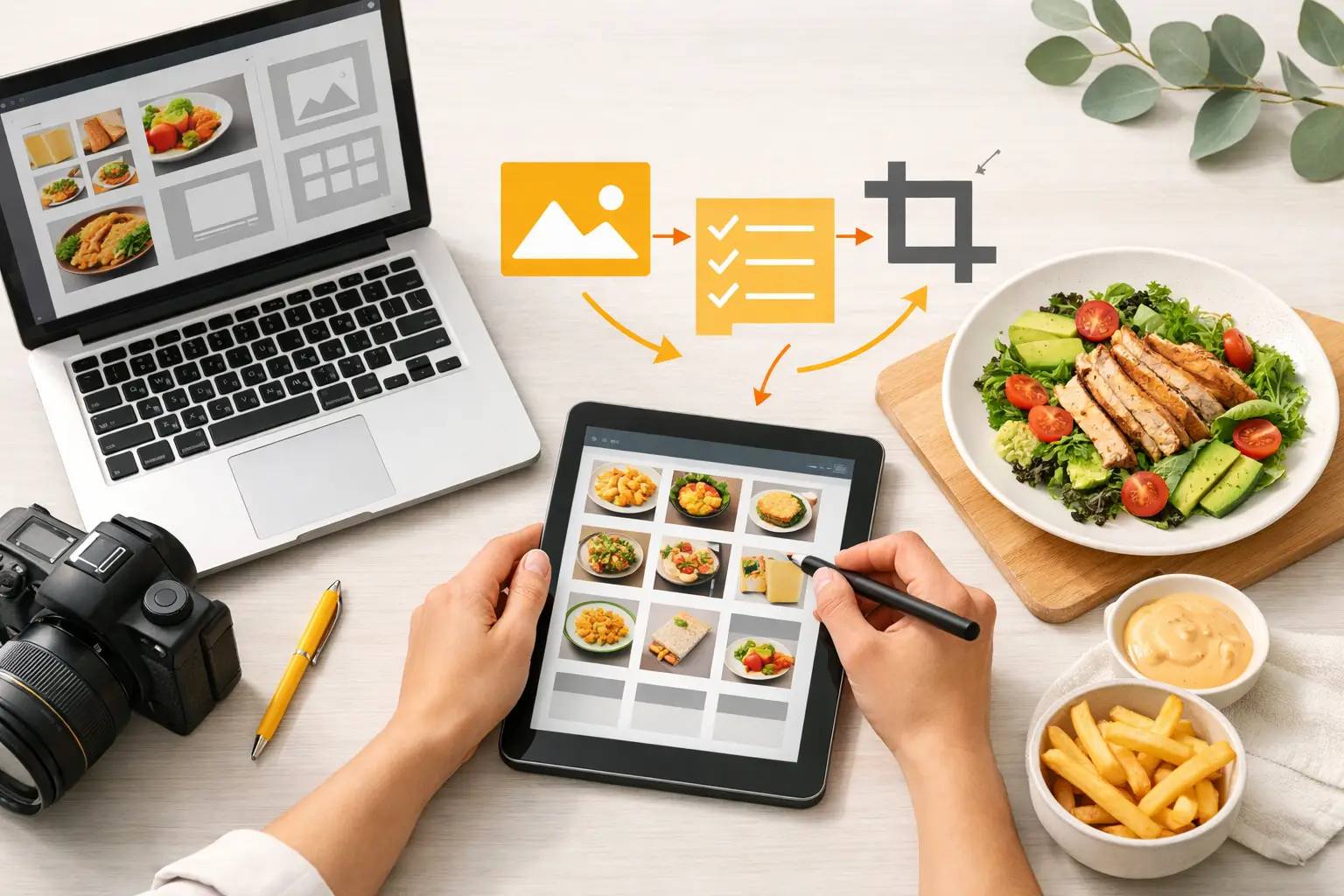
A new seasonal drink should not trigger a week of back-and-forth between operations, marketing, design, and a photographer. Yet for many food businesses, that is exactly what happens. Learning how to streamline menu asset creation means building a production system that turns approved menu items into accurate, appetizing visuals for print, ordering platforms, websites, social posts, and ads without restarting the process each time.
The goal is not to produce more images for the sake of it. It is to create the right assets, in the right formats, with enough consistency that your menu looks intentional everywhere customers encounter it.
Start With a Menu Asset System, Not a Photo Request
The slowest menu workflows begin with vague requests: “We need images for the new menu.” That request leaves too many decisions unresolved. Which dishes need images? Which channel comes first? What does each image need to communicate? Who signs off on accuracy?
Replace ad hoc requests with a menu asset brief tied to each menu item. For every dish, drink, bundle, or modifier group, document the item name, ingredients, portion cues, plating direction, brand colors, dietary labels, price status, and intended channels. This gives creative teams a usable source of truth before production starts.
A single item may require a hero image for a digital menu, a vertical crop for social, a square image for a delivery app, and a wide banner for a promotion. Those are related outputs, but they are not interchangeable. Identifying them early prevents teams from approving a beautiful image that cannot be used where it matters most.
Create a simple asset matrix with your menu items on one axis and channels on the other. Mark the assets that are required at launch, useful for campaigns, and optional. This keeps production focused on revenue-driving items instead of treating every menu item as an equal creative priority.
Standardize the Inputs That Control Visual Quality
Visual consistency is rarely a design problem alone. It starts with the information used to create the image. If one person describes a chicken sandwich as “crispy and fresh” while another calls it “golden fried chicken on brioche,” the output will vary before styling decisions even begin.
Give your team a repeatable input structure. A strong food asset prompt or production brief should establish the food itself, the angle, the composition, the environment, lighting, styling level, and exclusions. For example, a taco brand may standardize its images around a three-quarter angle, warm daylight, textured paper liners, close crops, and visible fillings. That direction becomes a reusable visual recipe rather than a new creative debate for every item.
Accuracy deserves its own review point. A menu image can be attractive and still create a customer problem if it shows toppings, sides, garnishes, or portion sizes the customer will not receive. Keep an operations owner involved in approval, especially for limited-time offers, combo meals, and products with specific dietary claims.
This is where a specialized food visual workflow can reduce friction. Rather than adapting generic visual tools to understand plated food, Umami AI is designed for commercial food imagery, helping teams produce styled visual variations without scheduling a full studio shoot for every menu change.
Build a Reusable Visual Library
The fastest teams do not create every menu image from zero. They establish a library of approved visual directions that can be adapted across categories and campaigns.
For a restaurant or food brand, that library might include a core menu look, a premium close-up look, a casual lifestyle look, a clean ecommerce look, and a promotional look with intentional negative space for copy. Each direction should have approved references for lighting, backgrounds, crop ranges, prop density, and color treatment.
The trade-off is flexibility. Too many rigid rules can make new launches feel repetitive, especially if your brand runs frequent seasonal promotions. Too little structure makes every campaign look like it came from a different company. The practical middle ground is to standardize the core elements customers should recognize while allowing seasonal variation in backgrounds, props, and campaign color accents.
Name and organize assets by item, channel, campaign, format, and status. A file called “final-burger-2-new” becomes useless within weeks. A file named “smoky-bacon-burger_menu-hero_web_approved_v1” is easier to find, update, and hand off. The naming convention does not need to be elaborate. It needs to be followed.
Produce in Batches Around Menu Events
Menu asset creation becomes expensive when teams treat every request as urgent. Instead, organize production around predictable business events: menu refreshes, limited-time offers, holiday campaigns, price changes, delivery-platform updates, and location openings.
Batching provides two advantages. First, it lets creative teams maintain a consistent look across an entire launch. Second, it makes review more efficient because marketing and operations can approve a set of related assets together. A spring menu update should be reviewed as a system, not as disconnected images arriving over several days.
Use a production calendar that works backward from the customer-facing launch date. Build in time for creative generation, internal selection, operations review, formatting, upload, and final channel checks. Digital ordering platforms and printed menus often have different turnaround times, so the latest deadline should not dictate the entire schedule.
For fast-moving brands, establish a small reserve of evergreen assets before you need them. A collection of approved ingredient shots, beverage pours, category backgrounds, and flexible food compositions can support short-notice promotions without forcing a rushed visual decision.
Create Once, Then Adapt Deliberately
A menu asset should begin with a primary composition, then branch into channel-specific versions. The common mistake is assuming a high-resolution image is automatically ready for any placement. Resolution solves only one part of the problem. A delivery platform thumbnail needs immediate product clarity. A social story needs vertical framing. A printed table tent may need room for pricing and offer language.
Design adaptation into the workflow. After approving the primary image, create versions with different crops, copy-safe areas, and output dimensions. Keep the food as the focal point, but do not force the same crop everywhere. A tight product shot may improve ordering conversion, while a wider scene may work better for a brand campaign.
This is also the point to separate menu assets from promotional assets. Menu imagery should make selection easy. Promotional imagery can be more expressive, seasonal, or message-led. Using the same visual for both can work, but it depends on the offer and the channel. A core menu item benefits from straightforward clarity; a new launch may need more atmosphere to earn attention.
Reduce Review Loops With Clear Approval Rules
Long approval cycles usually signal unclear ownership. Marketing may be reviewing brand fit, operations may be checking product accuracy, and leadership may be giving late-stage preference feedback. Those are different jobs and should happen in a defined order.
Set approval rules before assets are produced. Marketing owns channel fit and visual consistency. Operations owns ingredient, plating, and portion accuracy. A designated brand owner makes the final call when preferences conflict. Limit each reviewer to feedback within their role, or minor personal opinions will turn into avoidable revisions.
Use a two-stage review process. First, approve the visual direction with a small set of representative images. Then approve item-specific assets against that direction. This prevents a team from debating lighting and styling on every single menu item.
Feedback should be specific enough to act on. “Make it more premium” is not an instruction. “Use a darker background, tighter crop, and fewer props” is. The more concrete the language, the fewer rounds your team will need.
Measure Whether the Workflow Is Actually Faster
Speed matters, but output volume alone is not proof that the system works. Track the time from menu approval to channel-ready assets, the number of revision rounds per item, the percentage of assets reused across channels, and the cost per approved asset. These metrics expose where work is stalling.
Also watch business signals. If customers consistently select an item after its image is updated, or if a campaign gains stronger engagement with a clearer product composition, capture that learning in your visual library. The asset system should improve with every launch.
Do not automate judgment out of the process. AI-assisted creation can reduce production time and expand variation, but your team still needs to protect menu accuracy, brand standards, and customer expectations. The right workflow makes those checks faster, not optional.
A menu changes often because the business is moving. Treat menu asset creation as an operating process rather than a last-minute creative task, and every new item has a clearer path from kitchen approval to a customer-ready visual.